Using Müse
23
PN: 905K520652 v2.8
Running an SCE
To run an SCE, from the Home screen, select an SCE and click the Run button. The Run screen can
also be accessed from the Scenario Designer or SCE Editor by clicking the Run button near the top of
the screen.
The Run Button
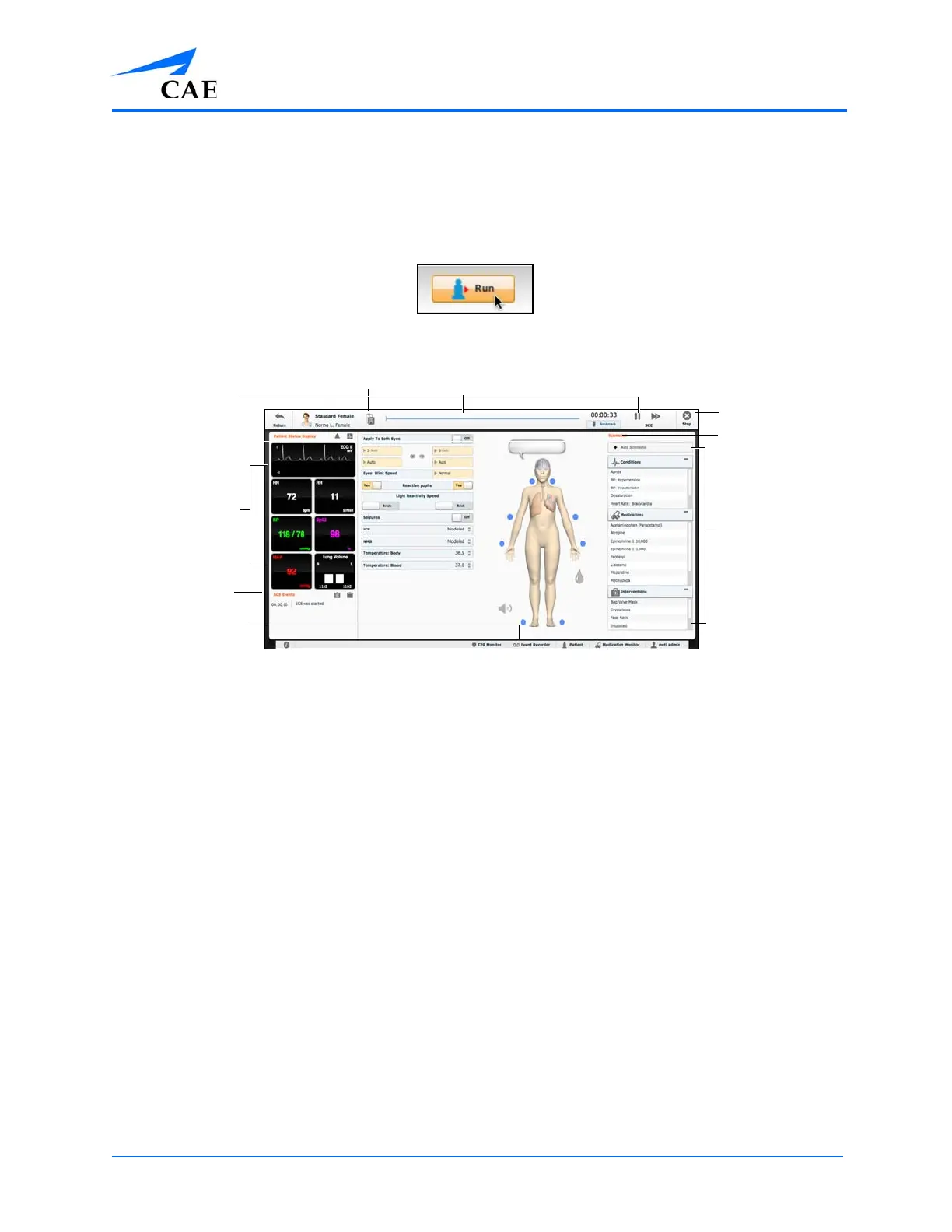
The Run Screen
From the Run screen, users can manage the SCE, perform interventions, view physiological status and
events, save events as states, save the Patient and associate records with the Patient.
Condition,
Medications and
Interventions
palettes
Physiological
display widgets
SCE Events
The Stop button
The Event Recorder
Patient Records
Scenarios
SCE time controls



 To Next Page