Using Müse
29
PN: 905K520652 v2.8
Using the Patient Status Display
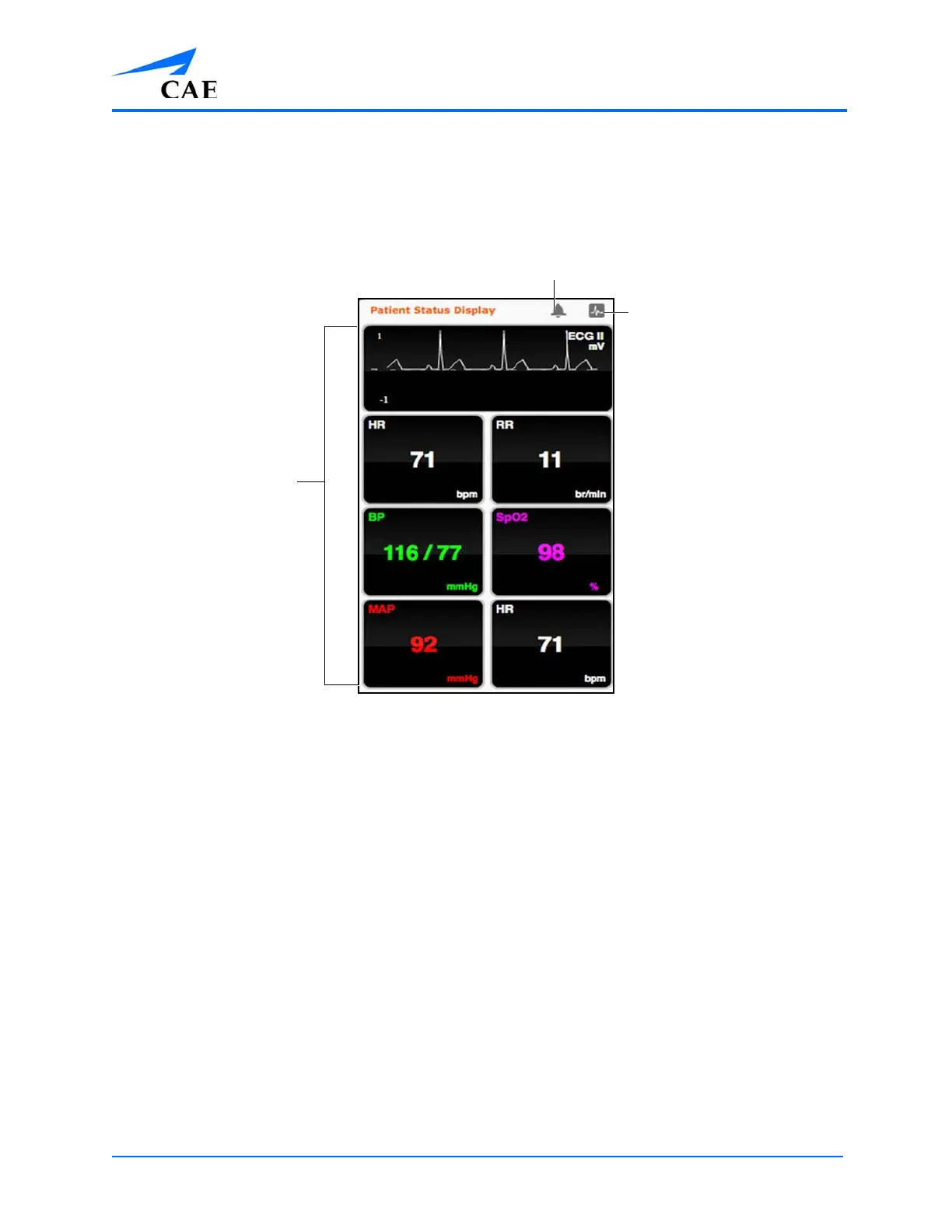
On the Run screen, there are widgets that display the patient’s physiological status. The Patient
Status Display widgets can be changed to reflect the user’s needs.
The Patient Status Display Widgets
Use the Mute All button to mute all Patient Status Display alarms.
To change the information displayed in a Patient Status Display widget, click on a desired widget. A
list appears, showing all the parameters available for the selected widget type.
To adjust the widget layout, click the Configuration button.
The Widget Configuration menu opens, displaying available widget types: Waveform, Numeric and
Volume.
Widgets
The Configuration
button
The Mute All
button



 To Next Page