Using Müse
30
CAEAthena
PN: 905K520652 v2.8
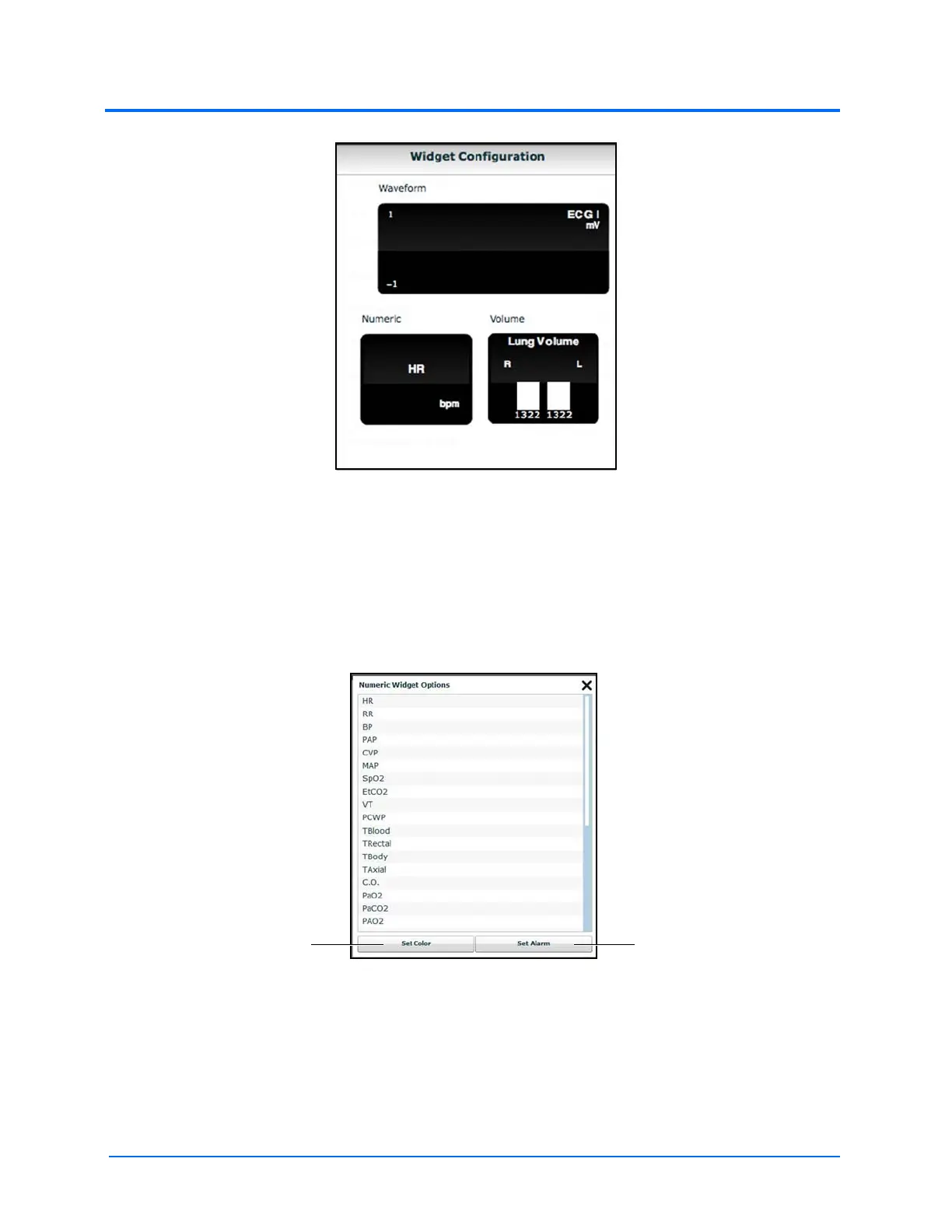
The Widget Configuration Menu
Adjust the Patient Status Display layout by dragging a widget type from the Widget Configuration
Menu and dropping it over the Patient Status Display. The new widget type replaces the old.
Note: The capnogram waveform is not displayed on the TouchPro software from the Instructor
Workstation. Capnogram information can be found on the clinical patient monitor if one is connected
to the simulator.
The Numeric Widget Options Panel
Choose the desired option from the list and the widget changes to reflect the new selection.
From the numeric widget menu, the Set Color button can be used to change the display color of the
widget and the Set Alarm button can be used to change the alarm settings for the selected widget.
The Set Color
button
The Set Alarm
button



 To Next Page