Using the TouchPro Patient Monitor
125
PN: 905K520652 v2.8
NIBP Cycling and Manual NIBP
When non-invasive blood pressure (NIBP) is displayed, the patient’s NIBP can be updated at specified
intervals using NIBP Cycling, or the current NIBP can be displayed immediately using the Manual
NIBP button.
NIBP Cycling can be used to set the patient’s NIBP to be updated at regular intervals.
To set NIBP cycling:
1. Click the Settings button in the bottom right corner of the TouchPro display
The Settings Button
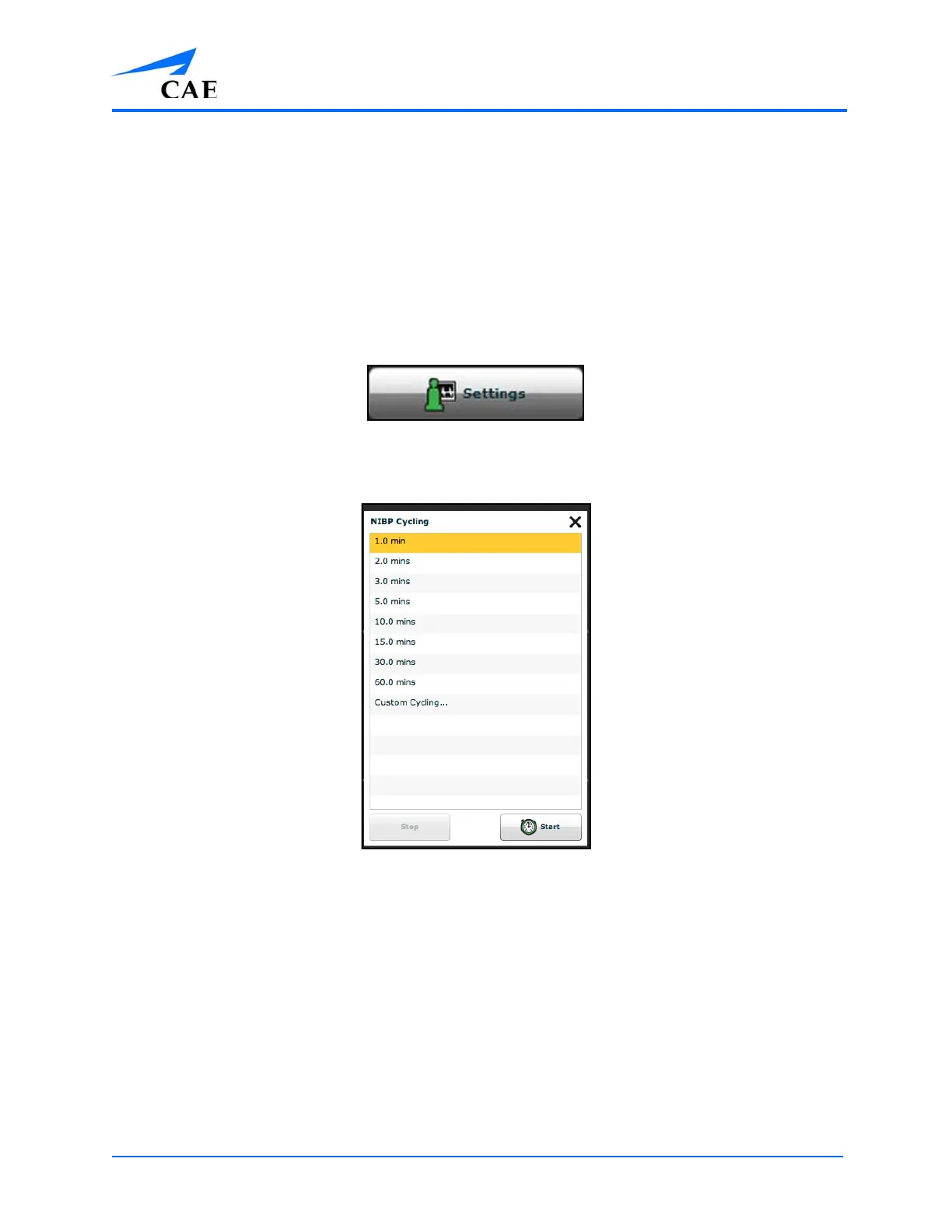
2. From the Settings menu, click NIBP Cycling
The NIBP Cycling Window
3. From the NIBP Cycling window, select the desired interval for the cycling
4. Click Start
Note: Custom cycling is also available.



 To Next Page