Using Müse
28
CAEAthena
PN: 905K520652 v2.8
SCE Information
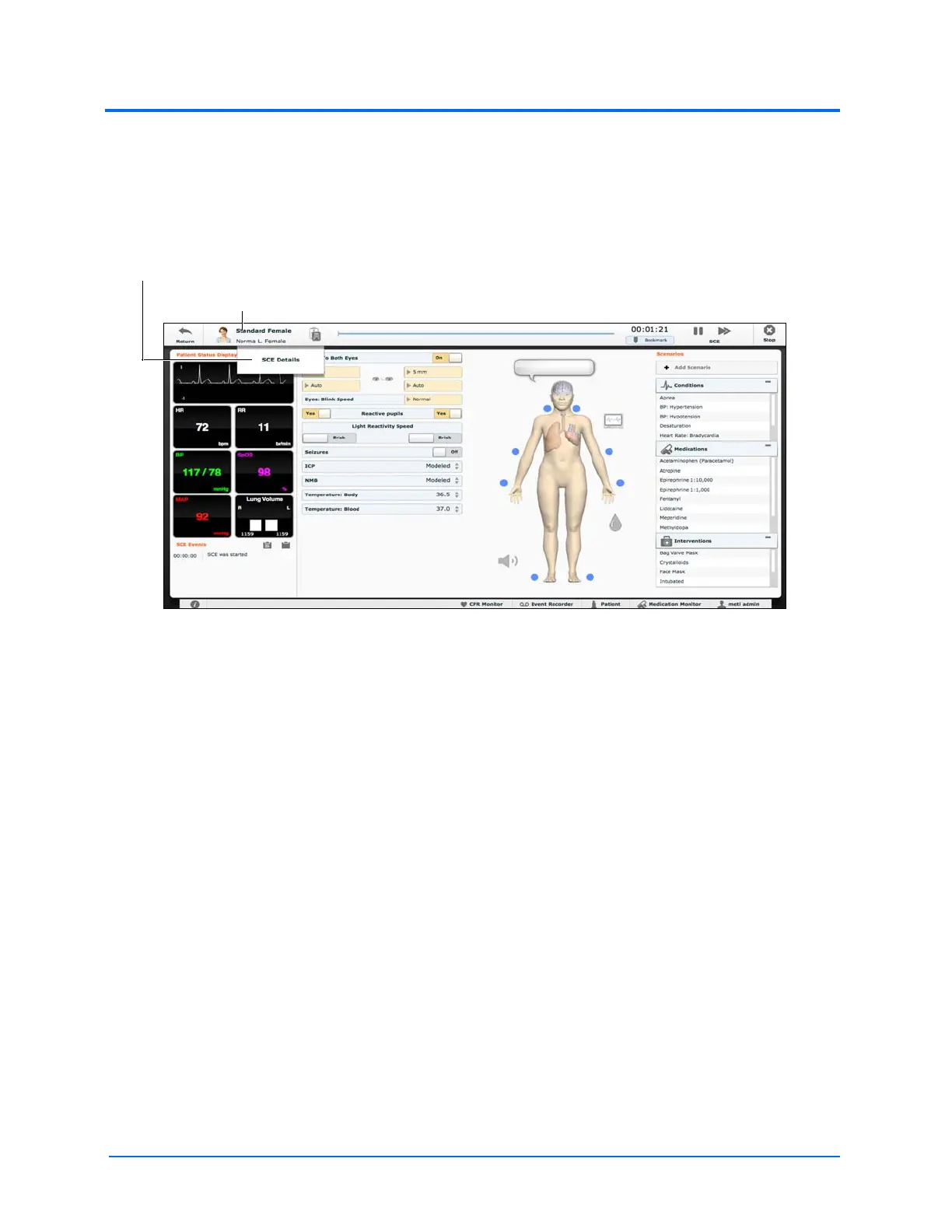
The SCE Information is a drop-down menu which is accessed by clicking the SCE title in the upper left
corner of the screen.
The Run Screen
Select SCE Details to access the SCE Editor screen where the baseline setup, SCE Content and
Configuration Setup information can be viewed. To return to the Run Screen, click the Continue
button in the upper right corner of the screen.
The SCE Title and Patient Name
The SCE Information drop-down menu



 To Next Page