Using Athena
176
CAEAthena
PN: 905K520652 v2.8
Bowel Sounds
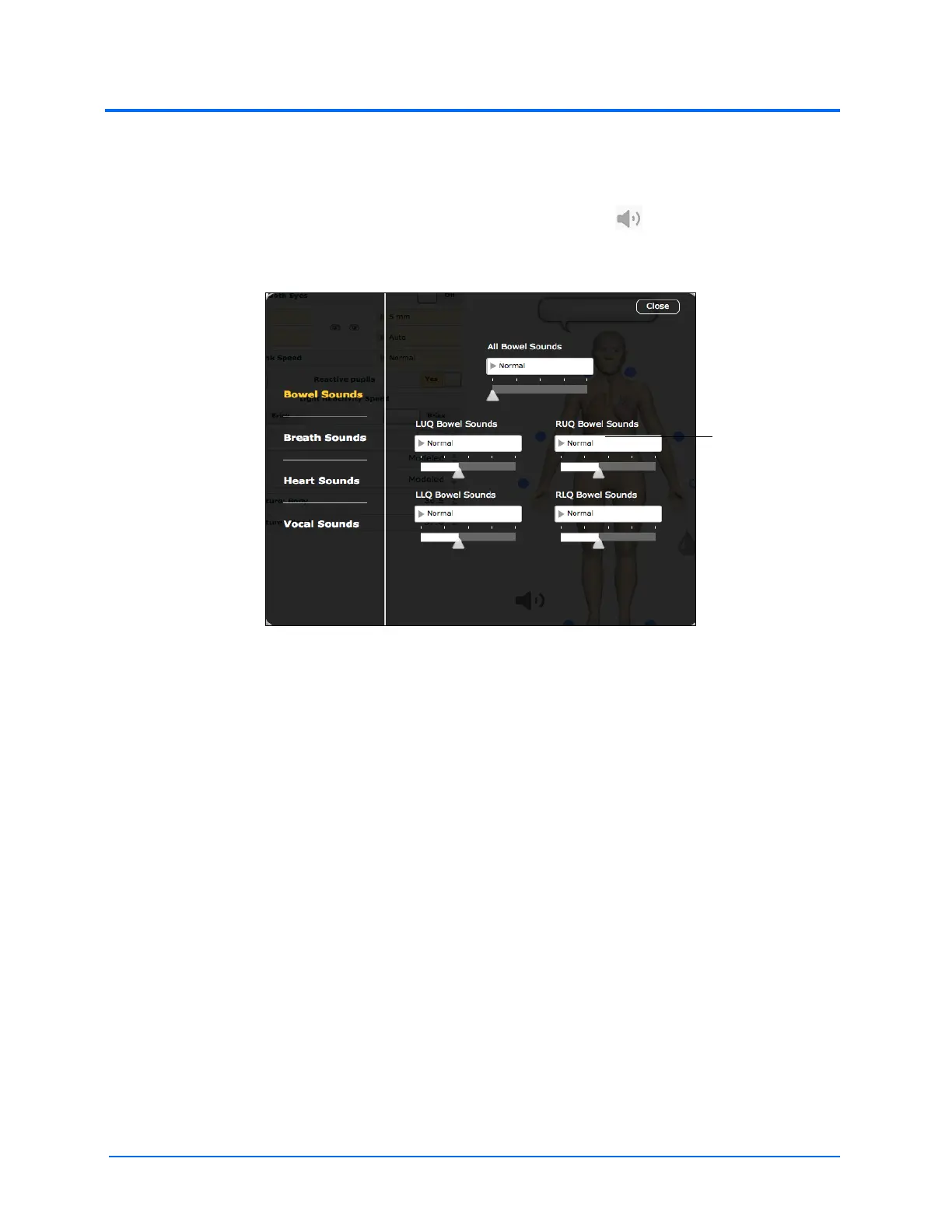
The Bowel Sounds menu can be used to control bowel sounds.
The bowel sounds can be adjusted by clicking the Sound Control icon on the Run screen. When
the Sounds panel appears, select Bowel Sounds. The Bowel Sounds menu appears.
The Bowel Sounds Menu
Independent control of the type and volume of bowel sounds may be selected in each anatomical
region. To affect the bowel sounds simultaneously in all anatomical regions, select All Bowel Sounds
and the desired sound and volume.
Click any of the drop-down menus to change the type of sound. Click and drag the slider beneath the
drop-down menu to adjust the volume.



 To Next Page