Using Athena
145
PN: 905K520652 v2.8
USING ATHENA
Once Athena has been set up, the software and an SCE started, the simulator is ready for learner
interventions. From the Run screen, the features of Athena can be accessed. They are broken down
into the following categories: Neurological, Respiratory, Cardiovascular, Fluids, and Sounds.
The Physiological Views
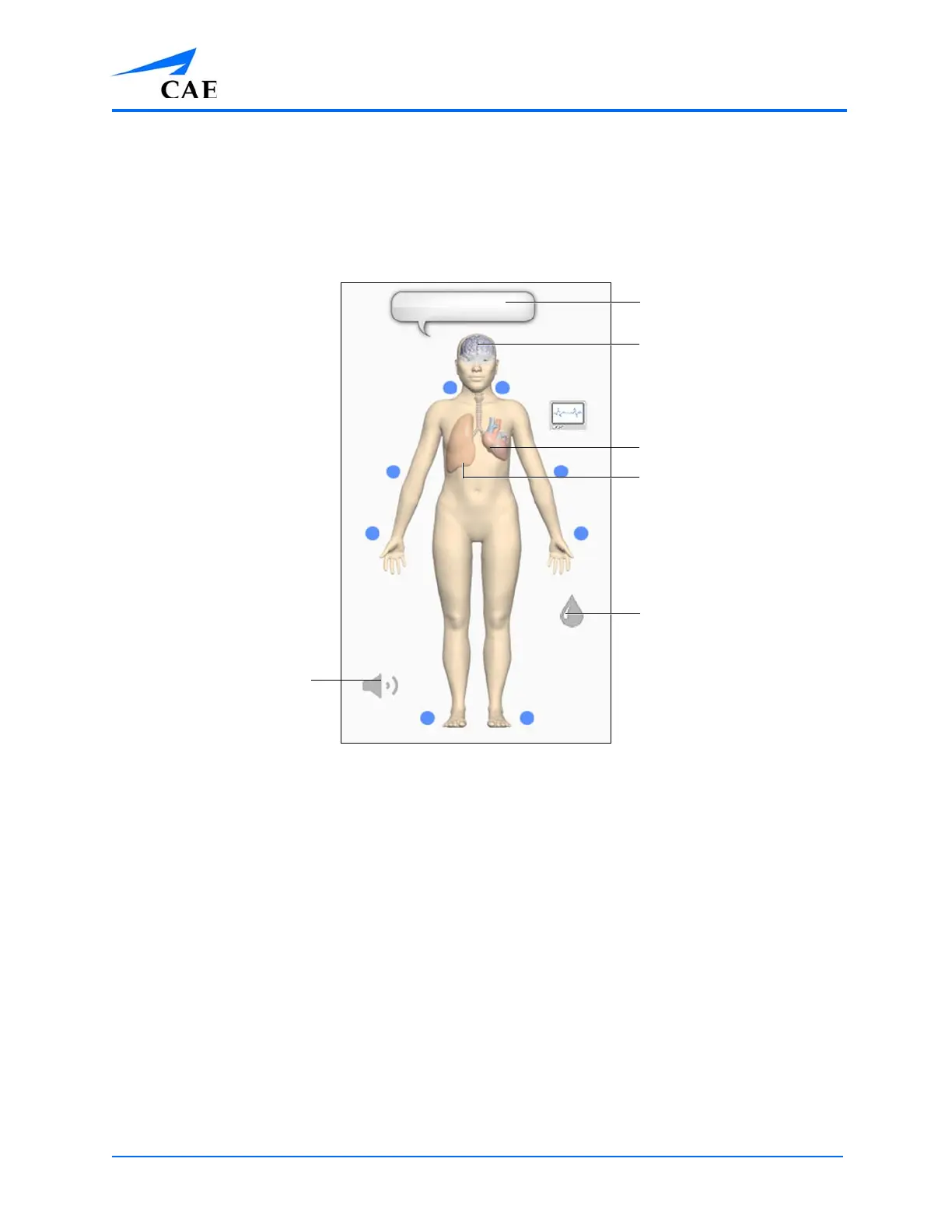
To access each view, click the appropriate organ or icon.
• For Neurological, click the brain
• For Respiratory, click the lung
• For Cardiovascular, click the heart
• For Fluids, click the Fluids Control icon
• For Sounds, click the Sound Control icon
Brain
Heart
Lung
Fluids Control
icon
Sound
Control
icon
Speech
balloon



 To Next Page