Using Müse
69
PN: 905K520652 v2.8
Developing Scenarios
The Scenario Designer allows users to create and edit scenarios.
Creating a New Scenario
To create a new scenario:
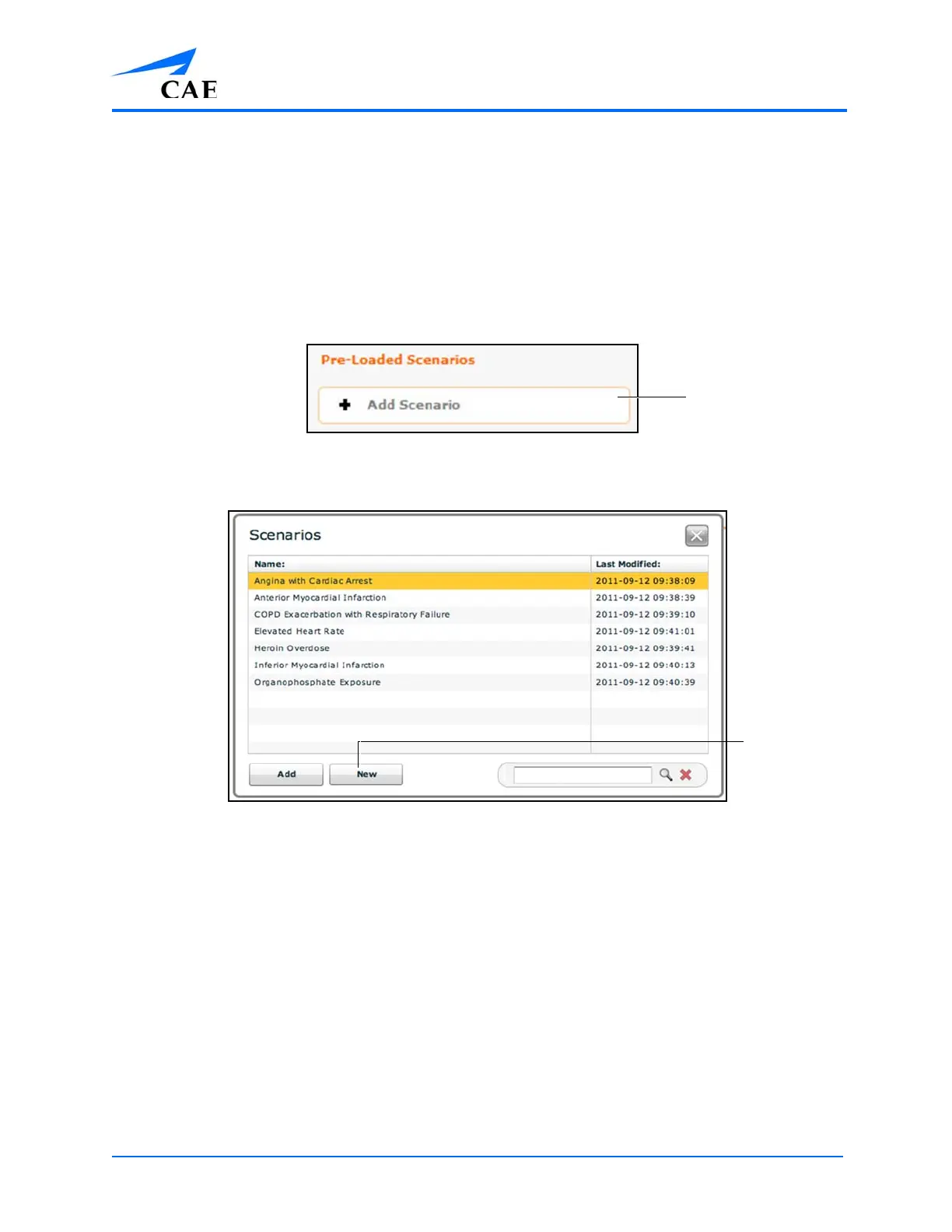
1. From the SCE Editor, under the Pre-Loaded Scenarios heading, click the Add Scenario
button
The Pre-Loaded Scenarios Heading
The Choose Scenario Dialog Box
2. Click New



 To Next Page