Using the TouchPro Patient Monitor
118
CAEAthena
PN: 905K520652 v2.8
Adding a Numeric Display
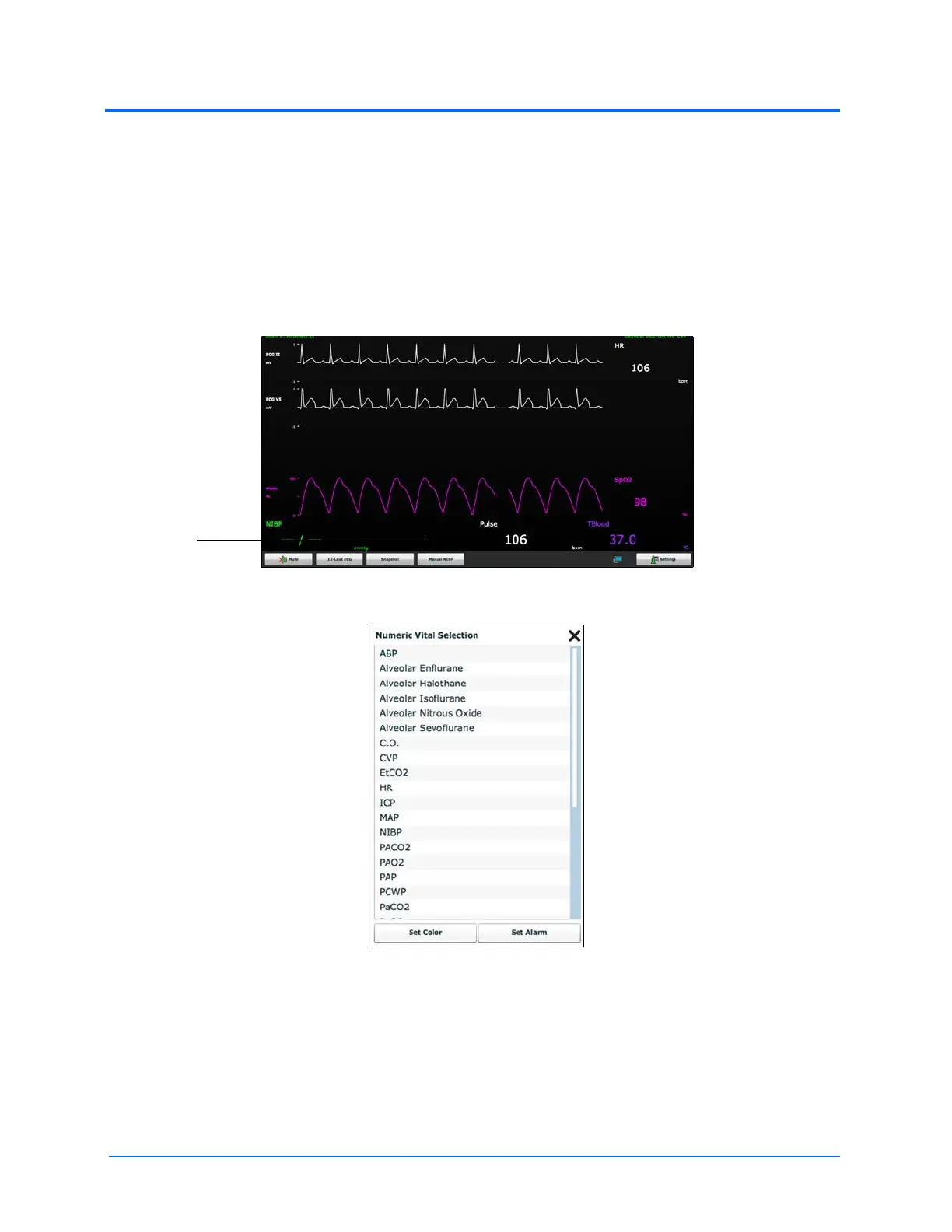
The TouchPro software contains four numeric display fields. All four numeric display fields are
located on one row beneath the waveform displays.
When fewer than four numeric readouts are being displayed, the remaining fields are blank.
To add or change a numeric display field:
1. Click an existing or a blank numeric display field
The TouchPro Display
The Numeric Vital Selection Menu
2. Select the desired numeric (scroll for all listings)



 To Next Page