Using Müse
83
PN: 905K520652 v2.8
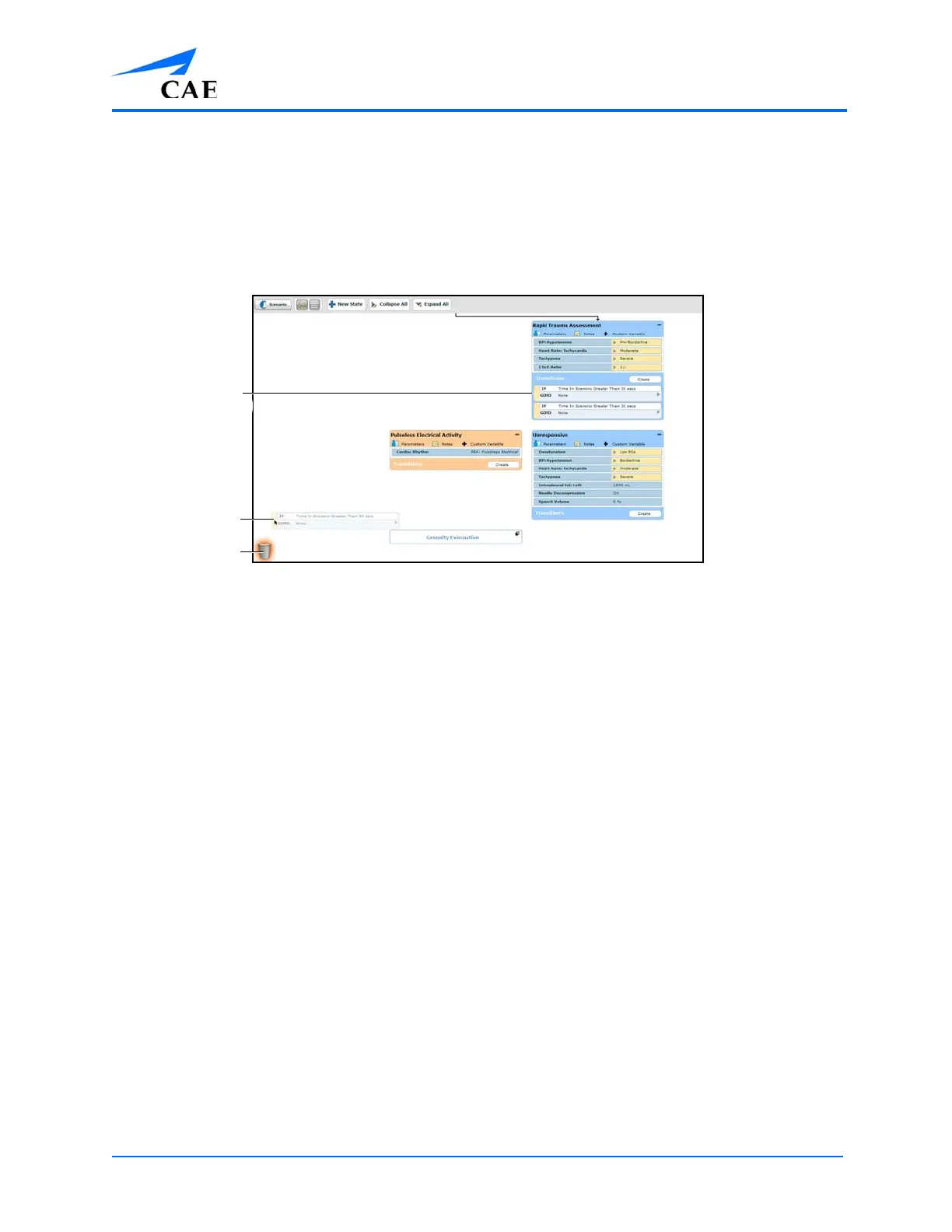
Deleting Parameters and Transitions
To delete a parameter or transition, from an active state, drag and drop the desired parameter or
transition into the Trash.
To drag a parameter, click anywhere within the parameter. To drag a transition, click the yellow
selection bar to the left of the transition.
The Scenario Designer
Parameters and transitions can be dragged and dropped to the Trash from the Graphical view or the
Line Item view.
Deleted parameters and transitions remain in the Trash until you log out of the software or the Trash
is emptied.
The Trash
A dragged
transition
The yellow
selection bar



 To Next Page