Using Müse
46
CAEAthena
PN: 905K520652 v2.8
Transitioning Scenario States from the Run Screen
To move between scenario states from the Run screen:
1. Click the desired scenario
A Scenario
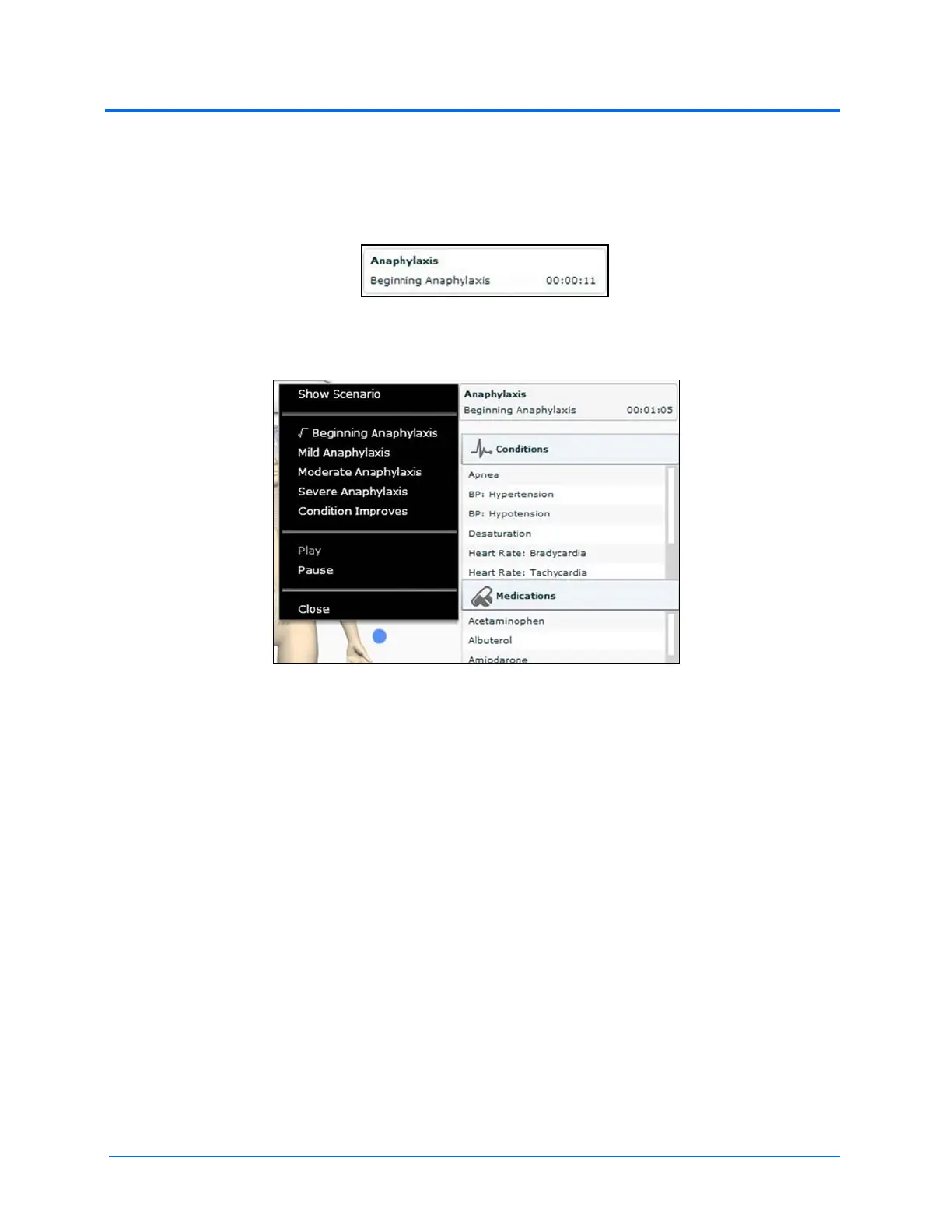
The Scenario Management pop-up menu appears, and all available states are listed.
The Scenario Management Pop-Up Menu
2. Select the desired state
The scenario can also be paused or continued by selecting the Pause and Play options
from the Scenario Management Pop-Up menu.



 To Next Page