Using the TouchPro Patient Monitor
117
PN: 905K520652 v2.8
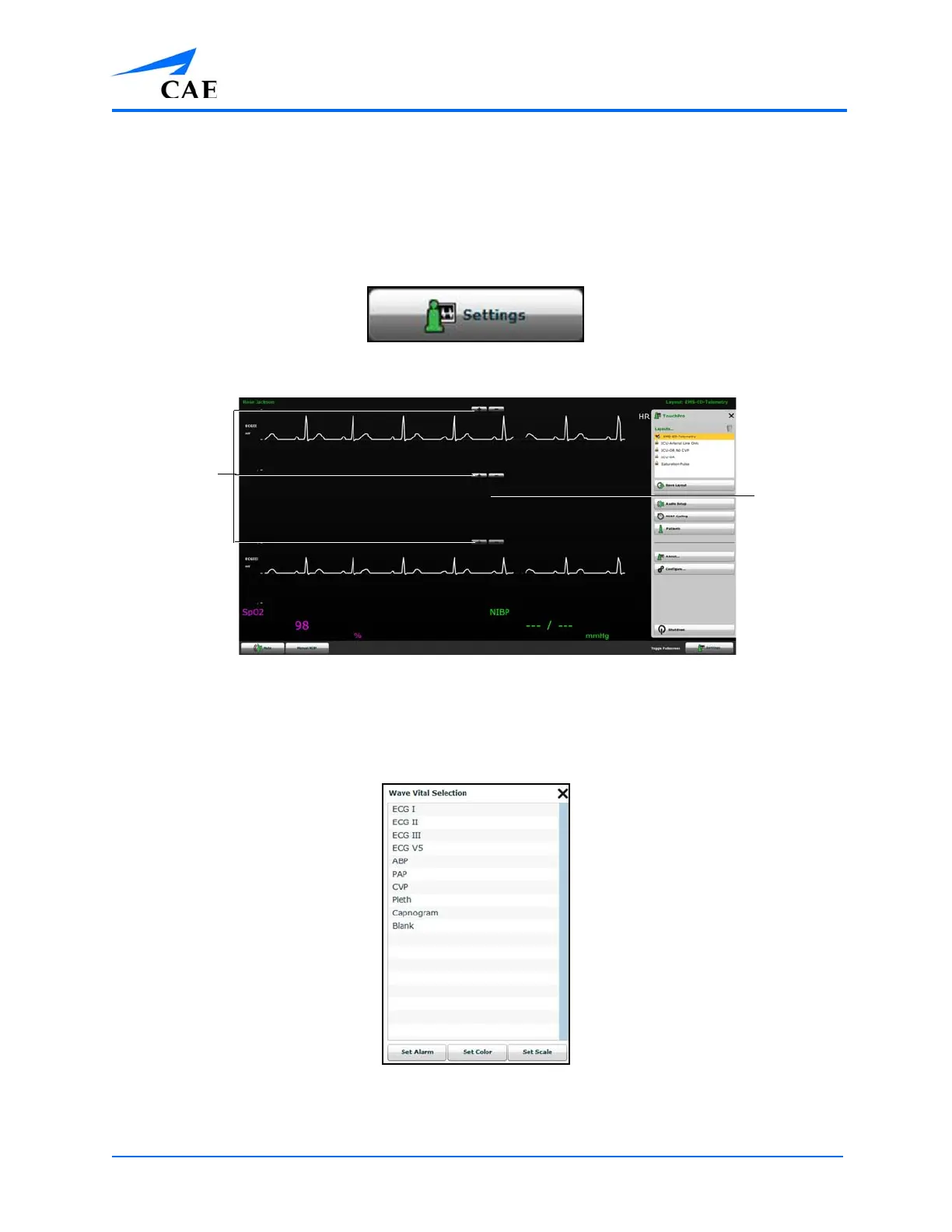
Adding a Waveform
The TouchPro software supports up to six waveforms.
To add a waveform:
1. Click the Settings button in the bottom right corner of the TouchPro display
The Settings Button
The TouchPro Display
2. Click the Add Waveform (+) button in the location above which you want the empty
waveform to appear
3. Click the empty waveform field
The Wave Vital Selection Menu
4. Select the desired waveform from the Wave Vital Selection menu
The Add
Waveform
and Remove
Waveform
buttons
An empty
waveform
field



 To Next Page