Using Müse
84
CAEAthena
PN: 905K520652 v2.8
Saving the Scenario
At any time during scenario creation or modification, the scenario can be saved.
To save a scenario:
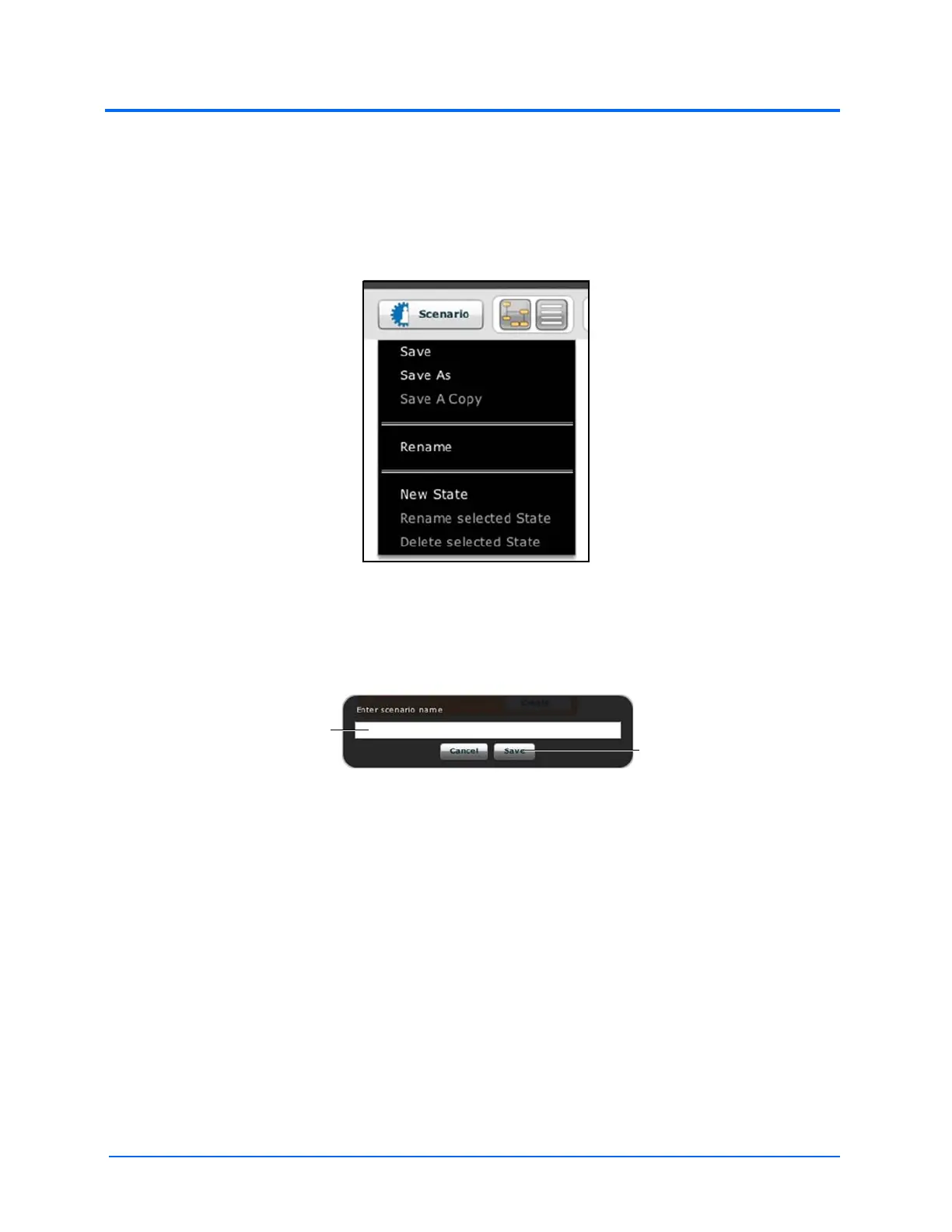
1. Click the Scenario button in the upper left of the Scenario Designer
The Scenario Drop-Down Menu
2. To save the most recent version of a modified scenario, click Save
To save a modified scenario as a new scenario, leaving the original scenario intact:
a. Click Save As
The Save Scenario Dialog Box
b. Enter the name for the scenario in the Enter scenario name field
c. Click Save
Note: When naming a scenario, the scenario name CANNOT exceed 127 characters. Additionally,
scenario file names CANNOT contain any special characters, such as ( ‘ / \ : * ? < > % ! | “ ).
The Save
button
The Enter Scenario name
field



 To Next Page