Using Müse
78
CAEAthena
PN: 905K520652 v2.8
Adding Transitions
To add a transition, the scenario must have both an original state and a state that results from the
transition.
To add a transition:
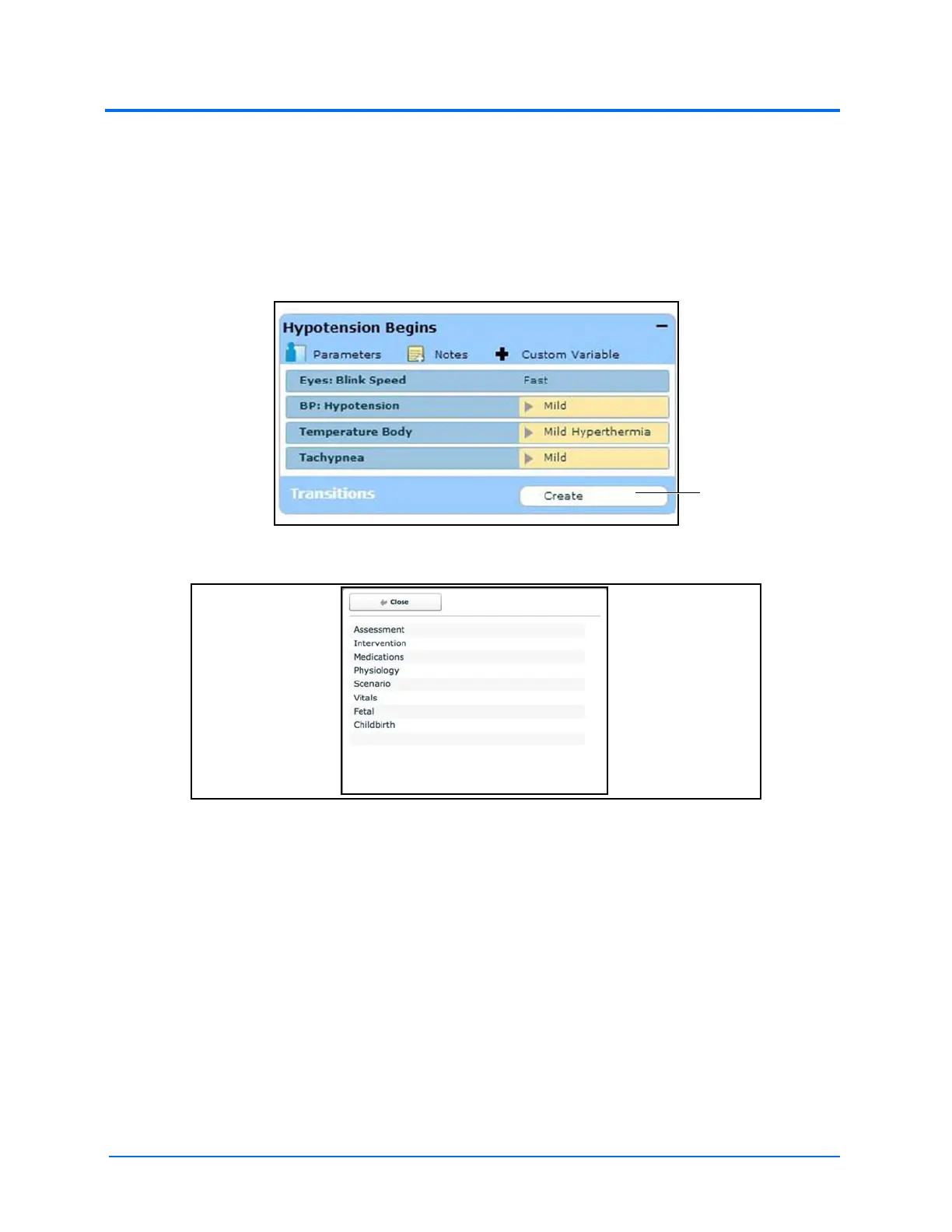
1. Click the Create button in the original state
A State
The Transitions Window
2. Select the desired variable type. For example, if a transition based on the administration
of medication is desired, select Medications and then select the desired medication
from the list.



 To Next Page