Using Müse
77
PN: 905K520652 v2.8
A State
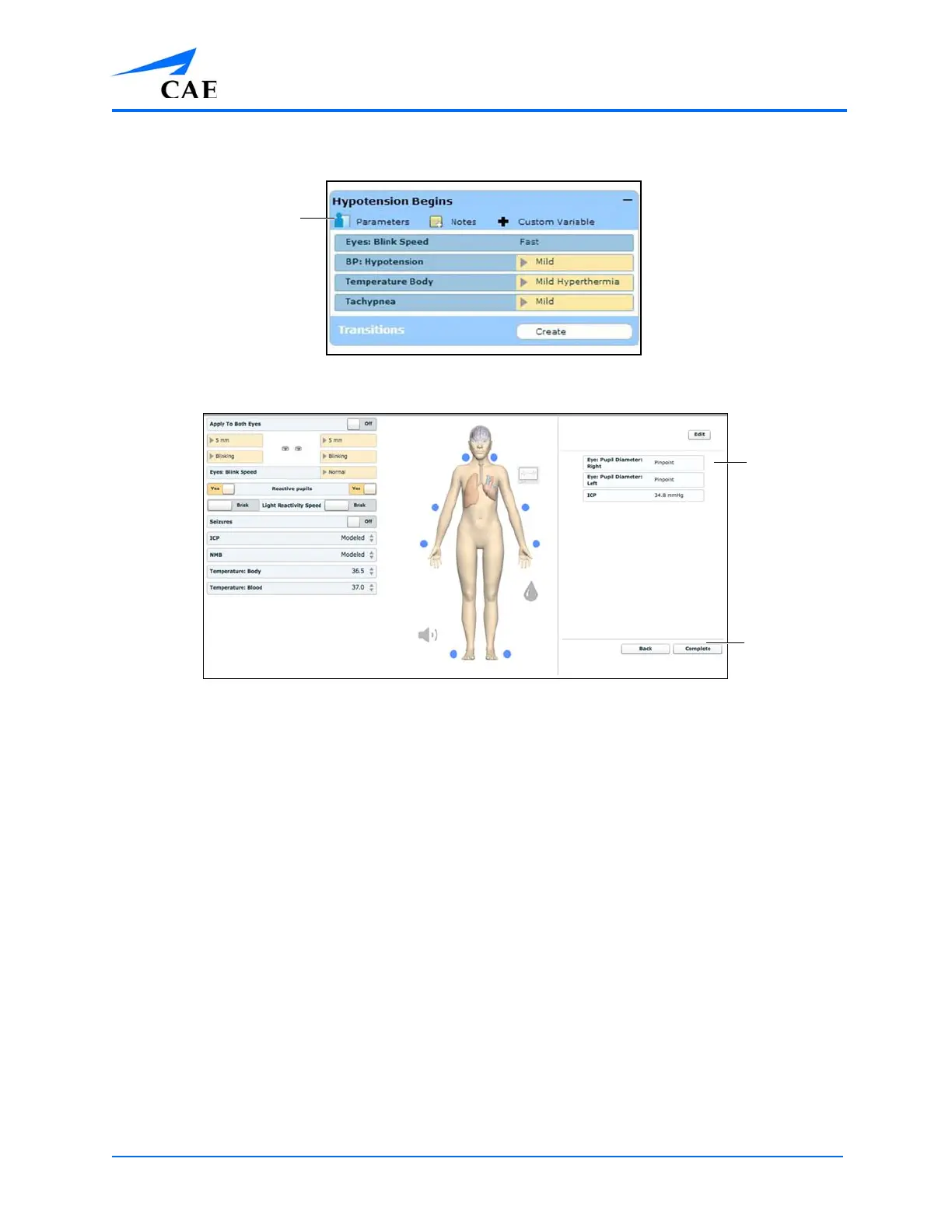
The State Parameters Screen
Click the various organs to change the views, and then select the desired parameter. Once a
parameter has been selected, it appears in the State Parameters panel on the right side of the
screen.
Add as many parameters as needed. Added parameters appear consecutively within the state. Drag
and drop to reorder as needed. Click Complete to save and exit the State Parameters screen, or click
Back to exit without saving.
Note: If the physiology of any of the parameters conflicts, the Müse software reflects the physiology
of the last parameter entered.
The State
Parameters
panel
The
Complete
button
The
Complete
button



 To Next Page