Using Müse
34
CAEAthena
PN: 905K520652 v2.8
Adding a Scenario to a Running SCE
SCEs incorporate scenarios that contain pre-programmed physiology and events. Scenarios can be
added to SCEs to enhance patient physiology.
To add a scenario to an SCE that is running:
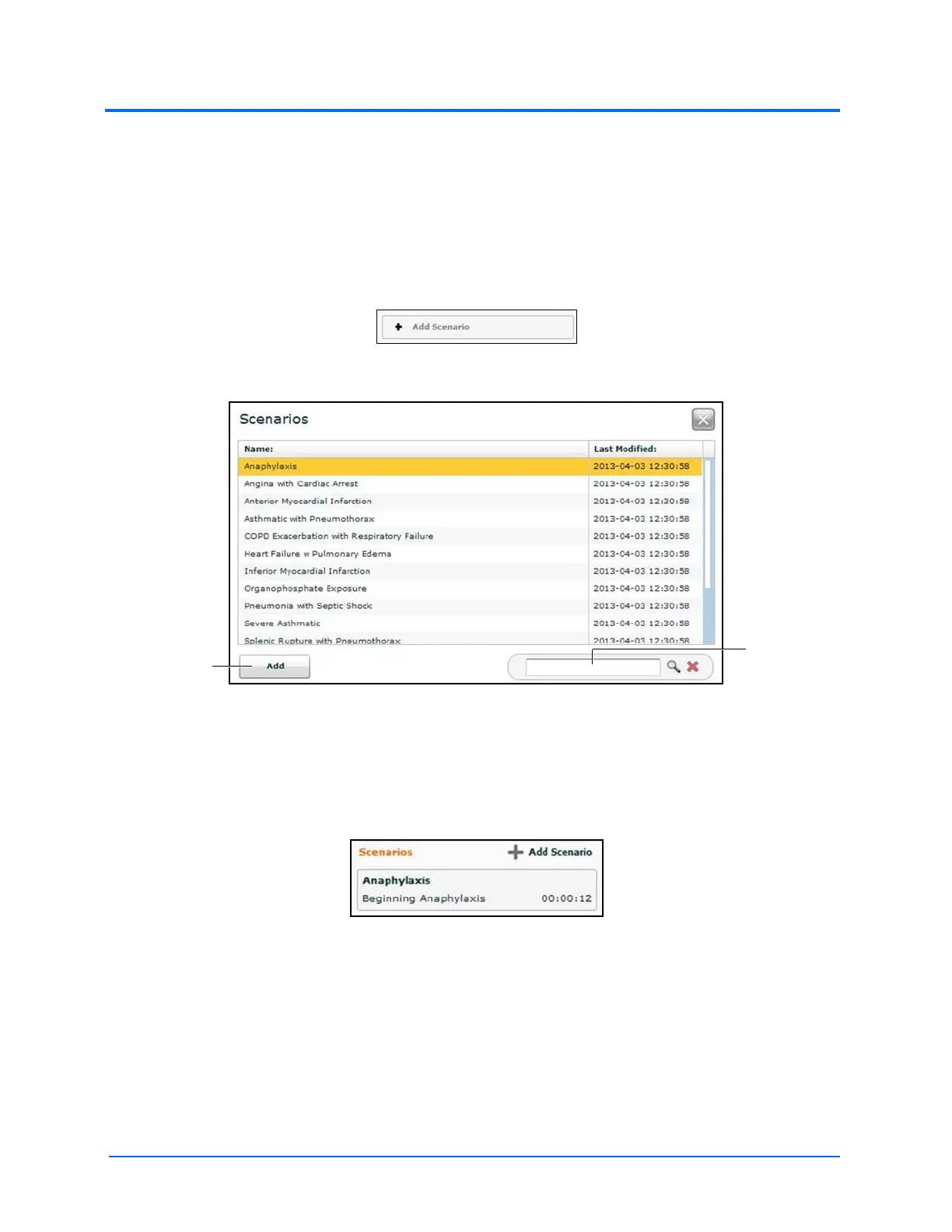
1. Click the Add Scenario button on the Run screen
The Add Scenario Button
The Choose Scenario Dialog Box
2. Select a scenario from the Choose Scenario Dialog Box
3. Click Add
The scenario is added to the SCE and appears under the Scenarios heading on the Run
screen.
An Added Scenario
The Add
button
The Search
field



 To Next Page