Using Müse
33
PN: 905K520652 v2.8
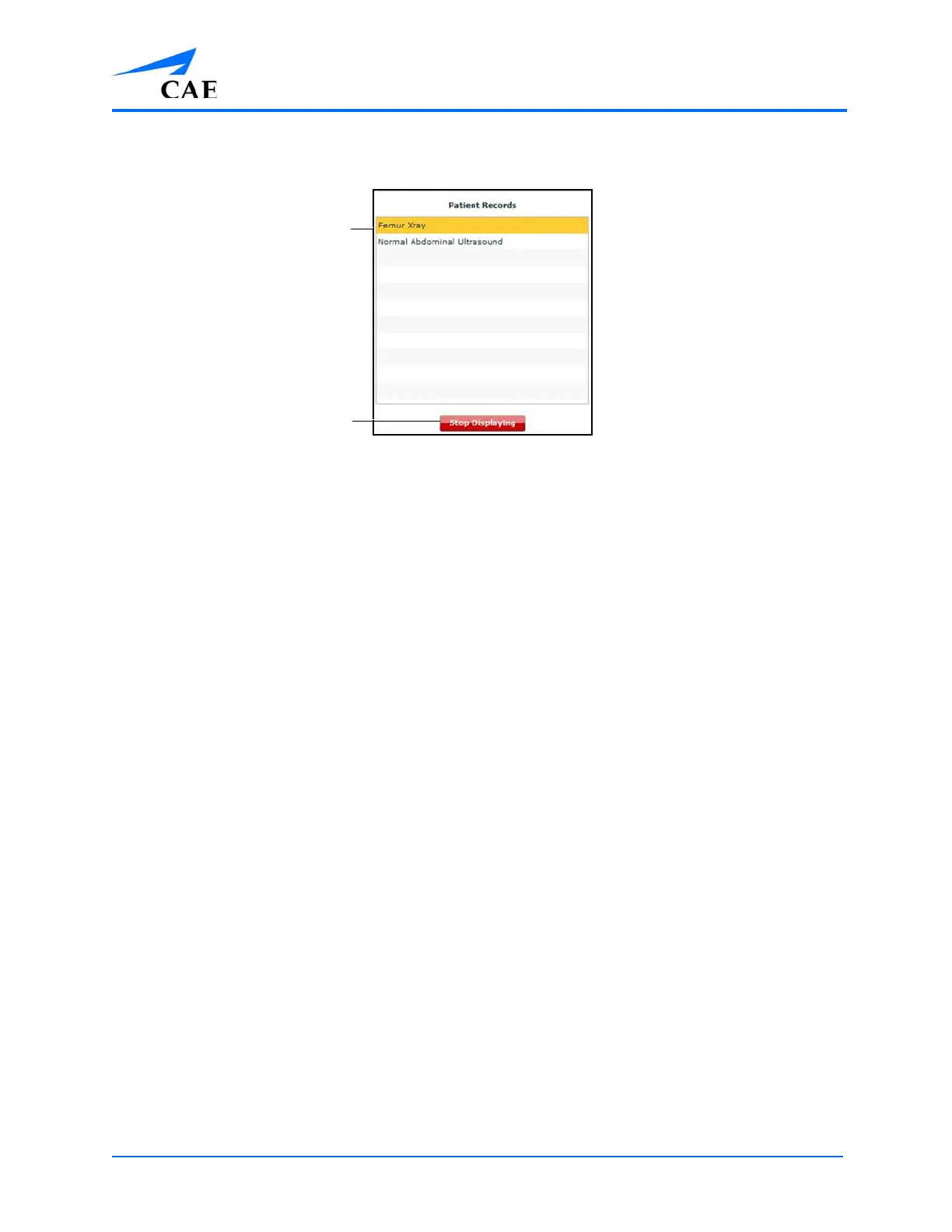
The Start Displaying button at the bottom of the Patient Records list changes to a red
Stop Displaying button.
The Patient Records List
To stop displaying a patient record, click Stop Displaying at the bottom of the Patient Records list.
To close the Patient Records list, click the Patient Records button. The list closes. If a patient record is
being displayed, the Patient Records button remains red until the list is re-opened and Stop
Displaying is chosen.
Note: Only one patient record can be displayed at a time.
For more information about uploading patient records for selection from the
Run screen, see the Patient Records section of Using Muse.
Patient records
The Stop Displaying
button



 To Next Page