Using Müse
66
CAEAthena
PN: 905K520652 v2.8
Modifying the TouchPro Setup
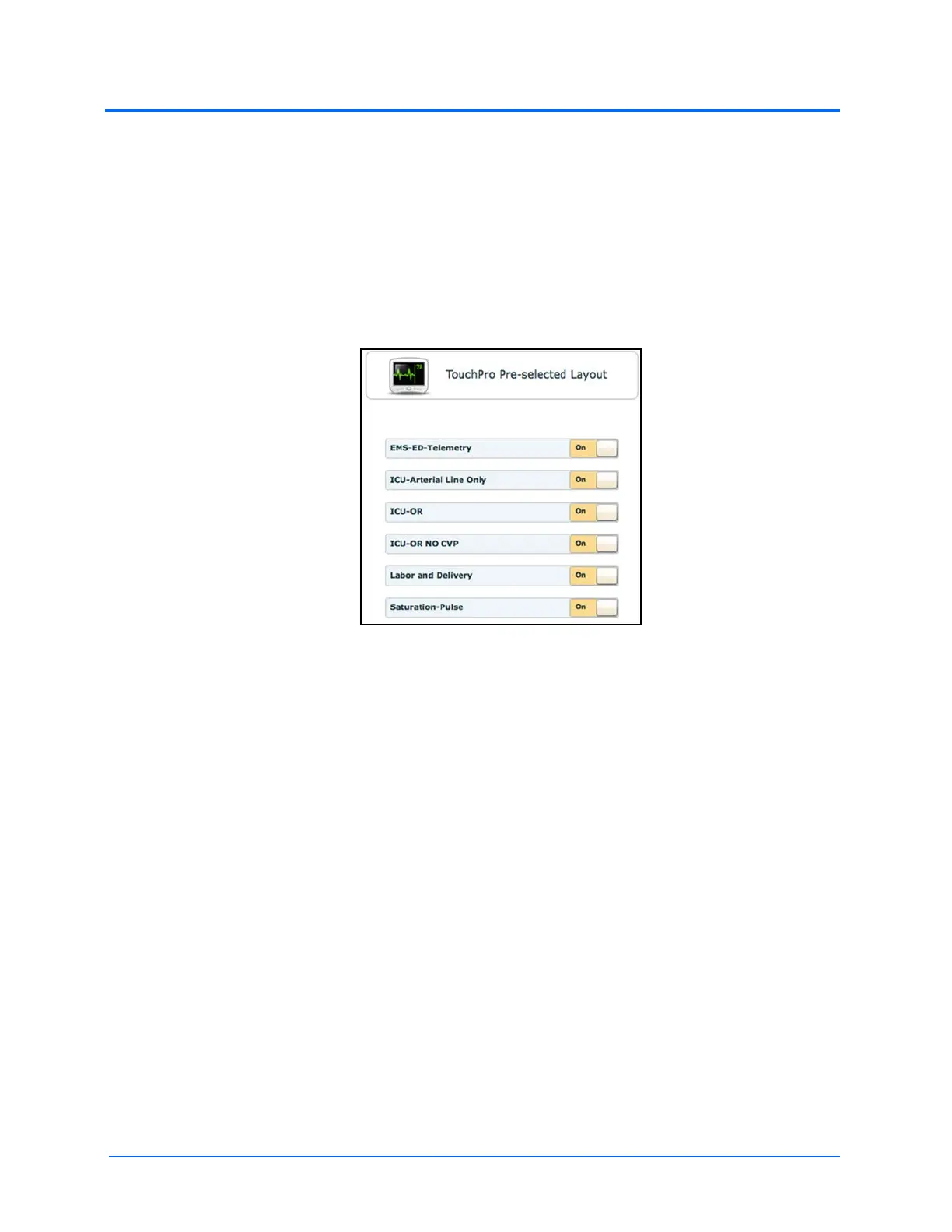
Use the TouchPro Setup link to access the TouchPro Setup panel.
From the TouchPro Setup panel, TouchPro layouts can be enabled or disabled for the selected SCE.
When a layout is enabled, it is available to be used in the TouchPro software with the selected SCE.
When a layout is disabled, it is unavailable to be used in the TouchPro software with this SCE.
Click an On/Off switch next to a layout to enable or disable it.
The TouchPro Setup Panel



 To Next Page