Using Vivo
143
PN: 905K520652 v2.8
Exiting Vïvo
IMPORTANT: Stop the running SCE and return to the Start screen prior to exiting Vïvo.
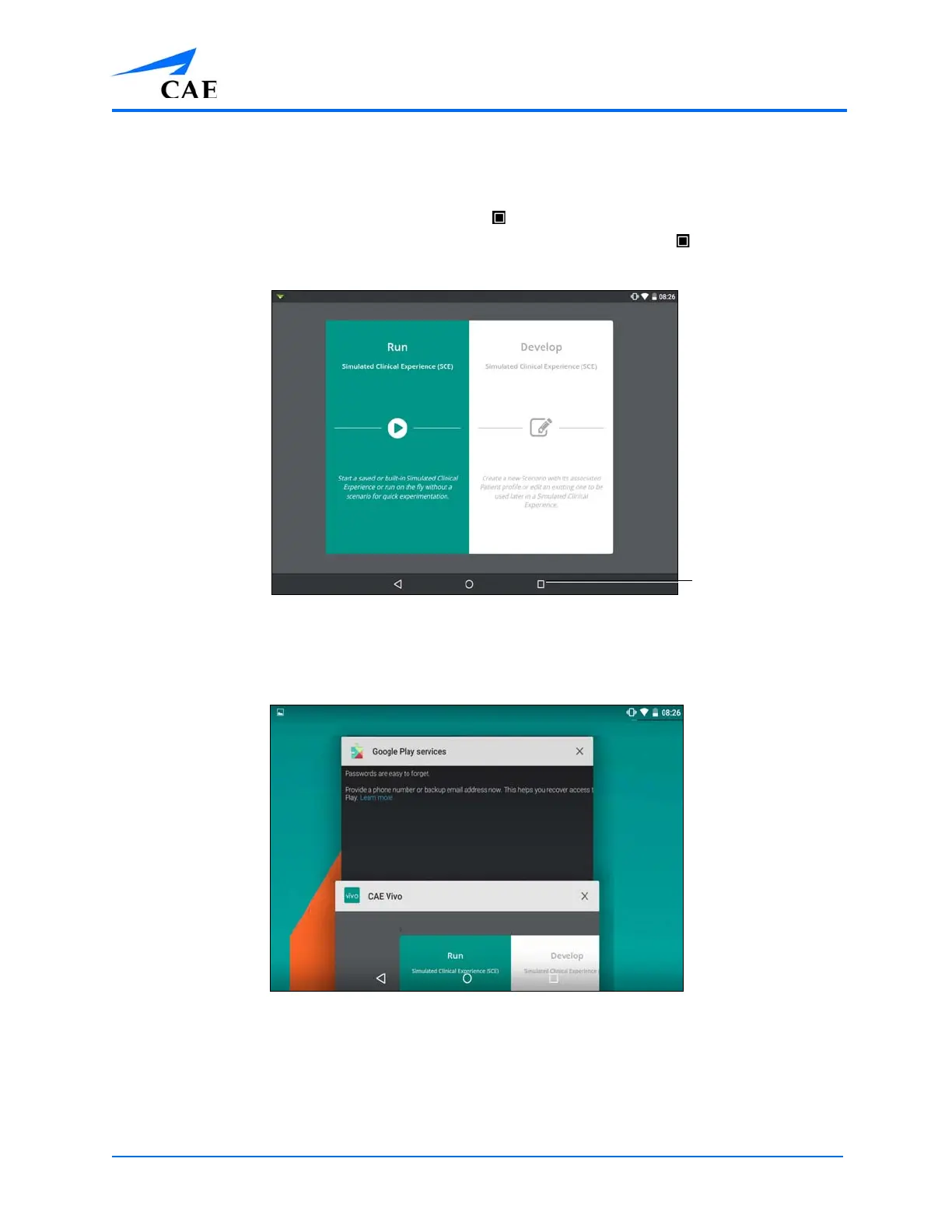
To exit Vïvo on the Vïvo tablet, tap the tablet square to shrink the window. It may be necessary to
first swipe up from the bottom of the tablet screen to show the tablet square .
The Tablet
Swipe the Vïvo window right or left (off the screen) to exit.
The Open Windows
To exit Vïvo from the Chrome browser, close and exit the browser.



 To Next Page