Using Müse
32
CAEAthena
PN: 905K520652 v2.8
Displaying Patient Records
Patient records can be uploaded to Müse and displayed in the TouchPro software while an SCE is
running.
To display an uploaded patient record:
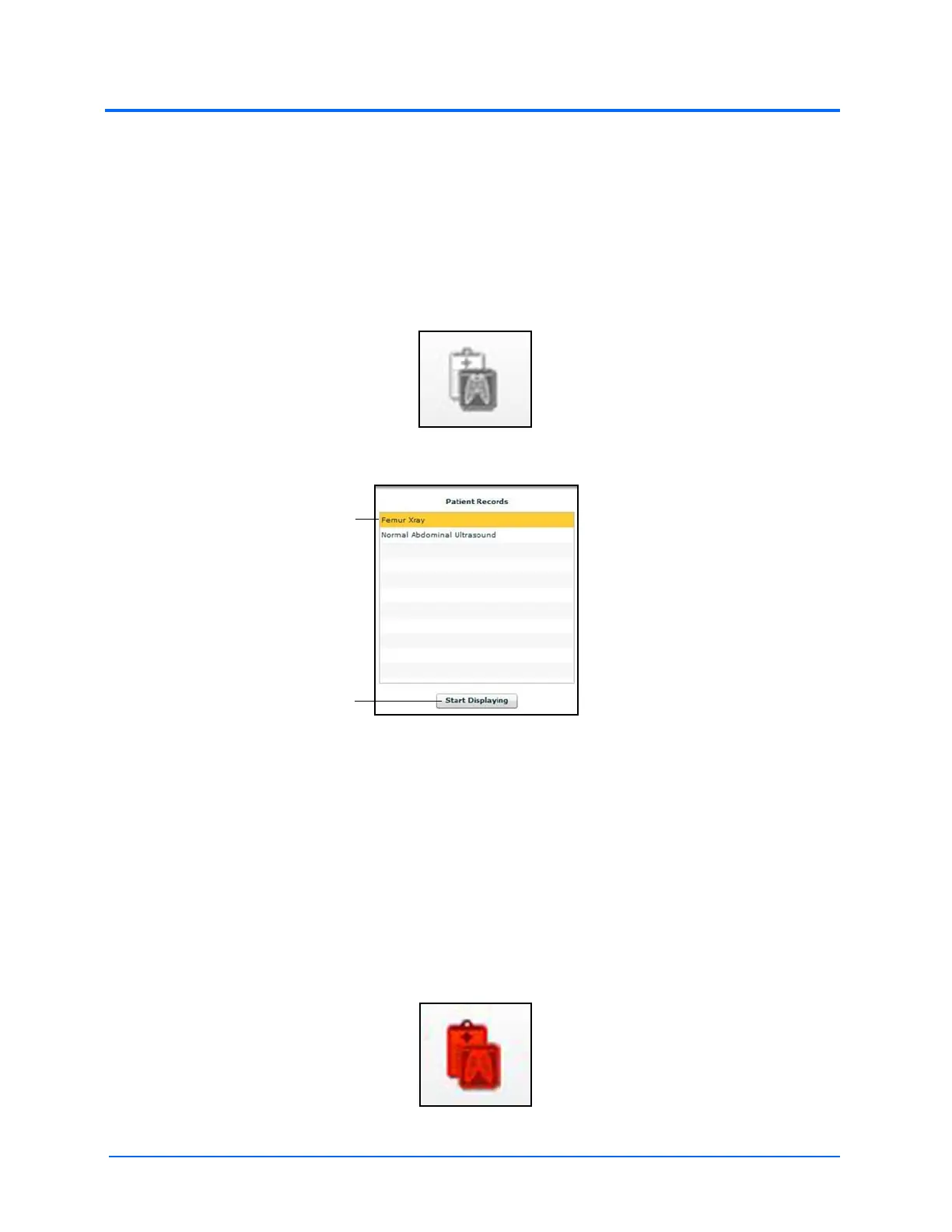
1. From the Müse Run screen, click the Patient Records button
The Patient Records Button
The Patient Records List
2. Select a patient record from the list
3. Click Start Displaying
IMPORTANT: Ensure pop-up blocking is turned OFF in the web browser of the Instructor
Workstation and any TouchPro workstations. Consult the web browser’s help menu for
assistance.
Note: The web browser window containing the patient record may be minimized initially.
If the window is not readily visible, click the web browser icon on the Dock (Macintosh
Instructor Workstation) or Taskbar (Windows Instructor Workstation) to locate the new
window.
The Patient Records button turns red, indicating that a patient record is being displayed.
The Patient Records Button
Patient records
The Start Displaying
button



 To Next Page