Using the TouchPro Patient Monitor
115
PN: 905K520652 v2.8
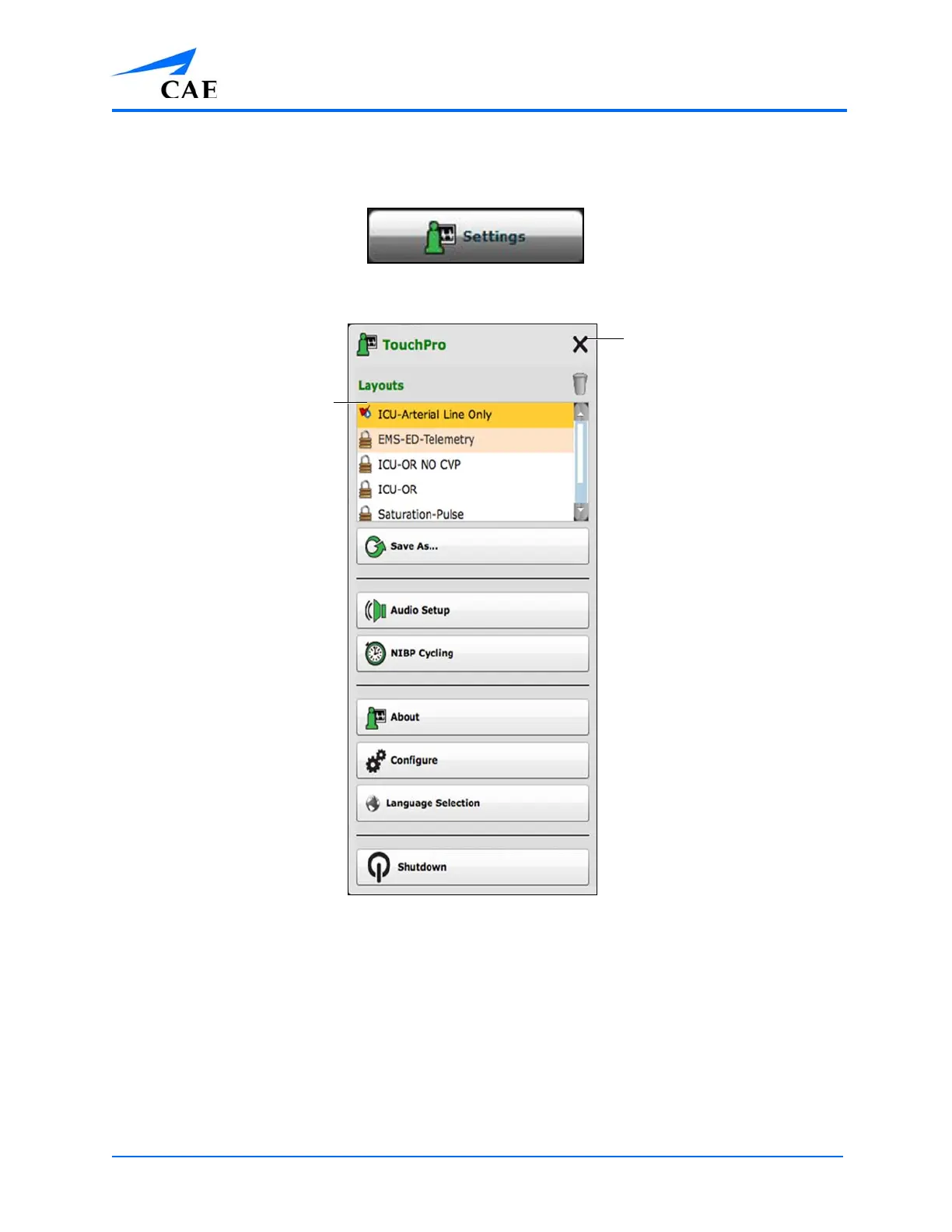
To select a preconfigured layout:
1. Click the Settings button in the bottom right corner of the display
The Settings Button
The TouchPro Settings Menu
2. Select a layout from the Layouts panel
3. Click the Close Settings button
Note: Preconfigured layouts must be enabled in the Müse TouchPro Setup for the currently running
SCE to be accessible in the Layouts panel.
The Layouts
panel
The Close Settings
button



 To Next Page