Using Müse
102
CAEAthena
PN: 905K520652 v2.8
Data Management
The Data Management feature allows users to back up data to an external device. Users can also
restore the backup data.
Backing Up Data
Users should back up data frequently to protect and store content and user data.
To back up data:
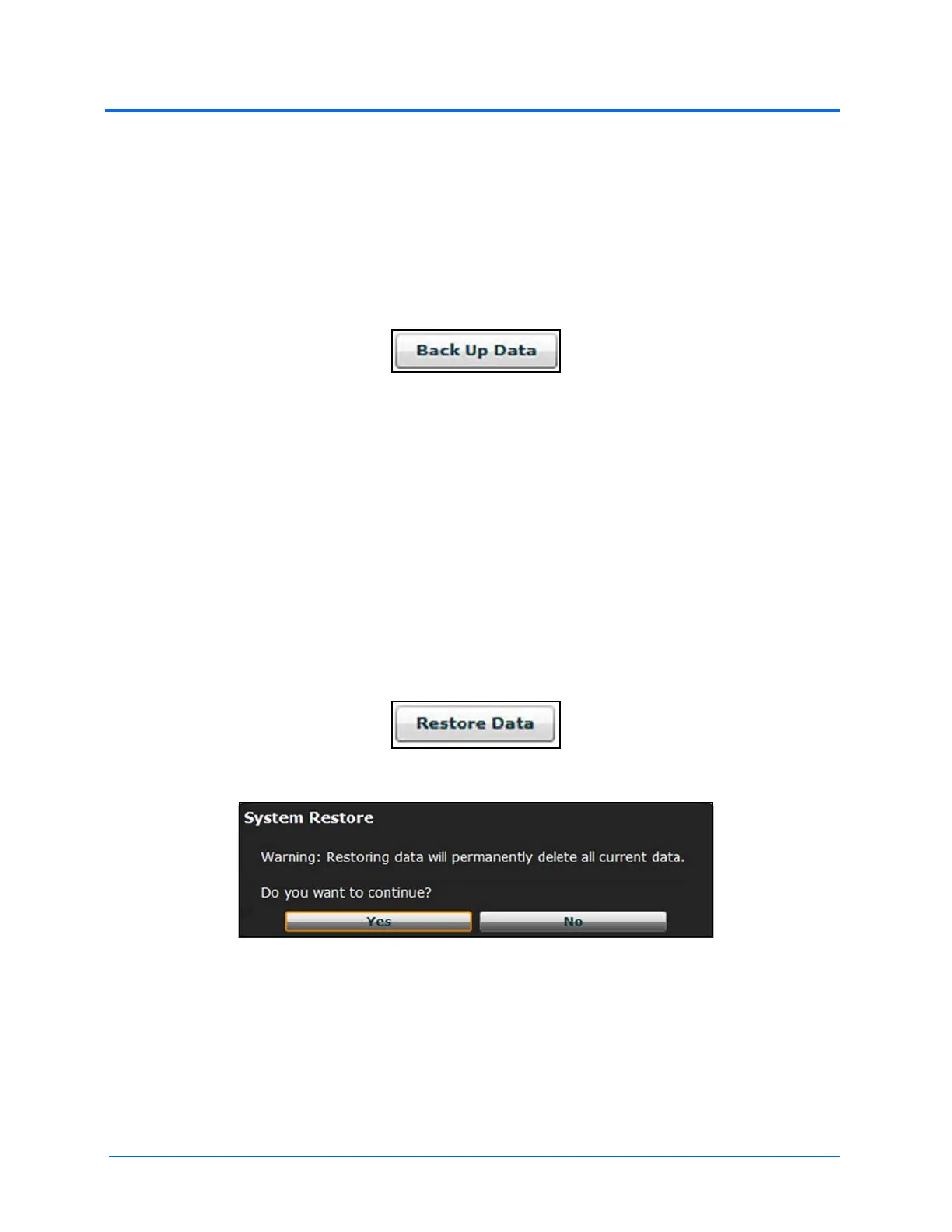
1. On the System Settings panel, click the Back Up Data button
The Back Up Data Button
2. Select a location to save the backed-up data
3. Click Save
IMPORTANT: Always back up important content and data. A weekly backup should be done to protect
content and user information.
Restoring Data
IMPORTANT: Restoring data ERASES all current data and replaces it with the backed-up data.
Users can restore data when the backed-up data needs to be replaced on the software. Restoring
data only restores the last backup and does NOT merge the backup data with the current data.
To restore backup data:
1. On the System Settings panel, click Restore Data
The Restore Data Button
The System Restore Warning Box
2. Click Yes
3. Locate the appropriate .bak backup file to restore
4. Click Select
Note: The computer may require a restart.
IMPORTANT: Restoring data ERASES all current data and replaces it with the backed-up data.



 To Next Page