Using Müse
91
PN: 905K520652 v2.8
Learning Modules
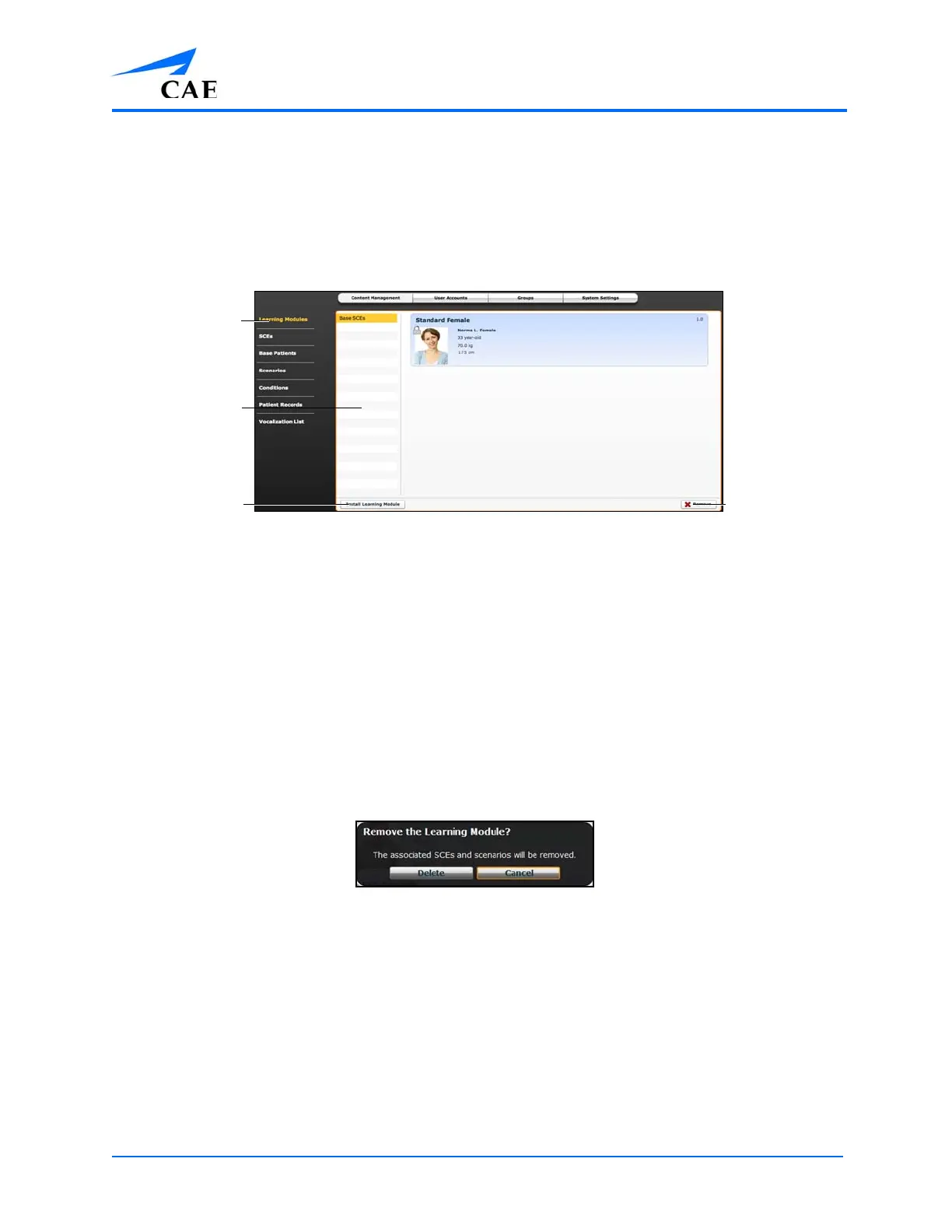
From the Learning Modules panel, learning modules can be installed or deleted.
When the Content Management button is selected, the Learning Modules panel appears by default. If
another panel has been selected, return to the Learning Modules panel by clicking the Learning
Modules link.
The Learning Modules Panel
To install a learning module:
1. Click Install Learning Module
2. Locate the correct learning module file on the external storage device or the hard drive
location where the file is saved
Note: The file extension is mlm.
3. Select the file and click Select or Open
To delete a learning module from Müse:
1. Select a learning module from the Learning Modules panel
2. Click the Remove button
The Remove Learning Module Warning
3. Click Delete
Note: Preconfigured learning modules cannot be deleted. If a user attempts to delete
them, a failure message appears.
The Remove
button
The Learning
Modules link
The Learning
Modules panel
The Install
Learning
Module button



 To Next Page