Using Müse
93
PN: 905K520652 v2.8
Base Patients
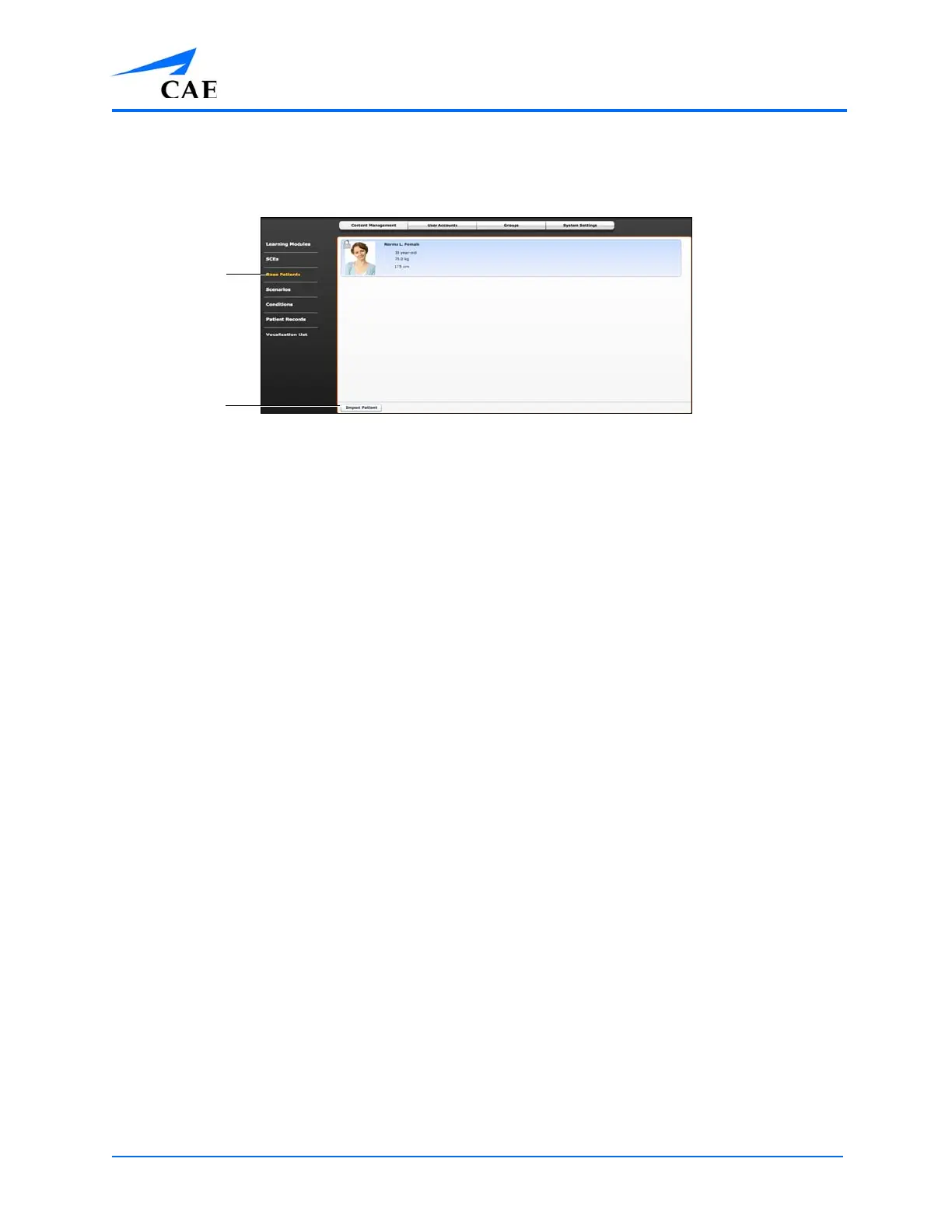
From the Content Management options, click Base Patients to access the Base Patients panel.
The Base Patients Panel
All Patients are listed in the Base Patients panel.
From the Base Patients panel, users can rename, review, delete and export Patients they have created
by clicking the respective buttons next to each Patient.
• Click Import Patient to import a Patient file from an external device or the hard drive
location where the file is saved
• Use the Rename button next to a patient to give the patient a different name or the
Delete button to delete the patient
• The Export button next to each patient can be used to export the Patient file to an
external device
Note: The Patient file extension is pat.
Note: Preconfigured CAE Base Patients have a lock symbol in the upper-left corner of the picture and
CANNOT be renamed, deleted, or exported.
The Base
Patients
link
The Import
Patient
button



 To Next Page