Setup
11
PN: 905K520652 v2.8
TIP: Some previous versions of Mac refer to WiFi as Airport.
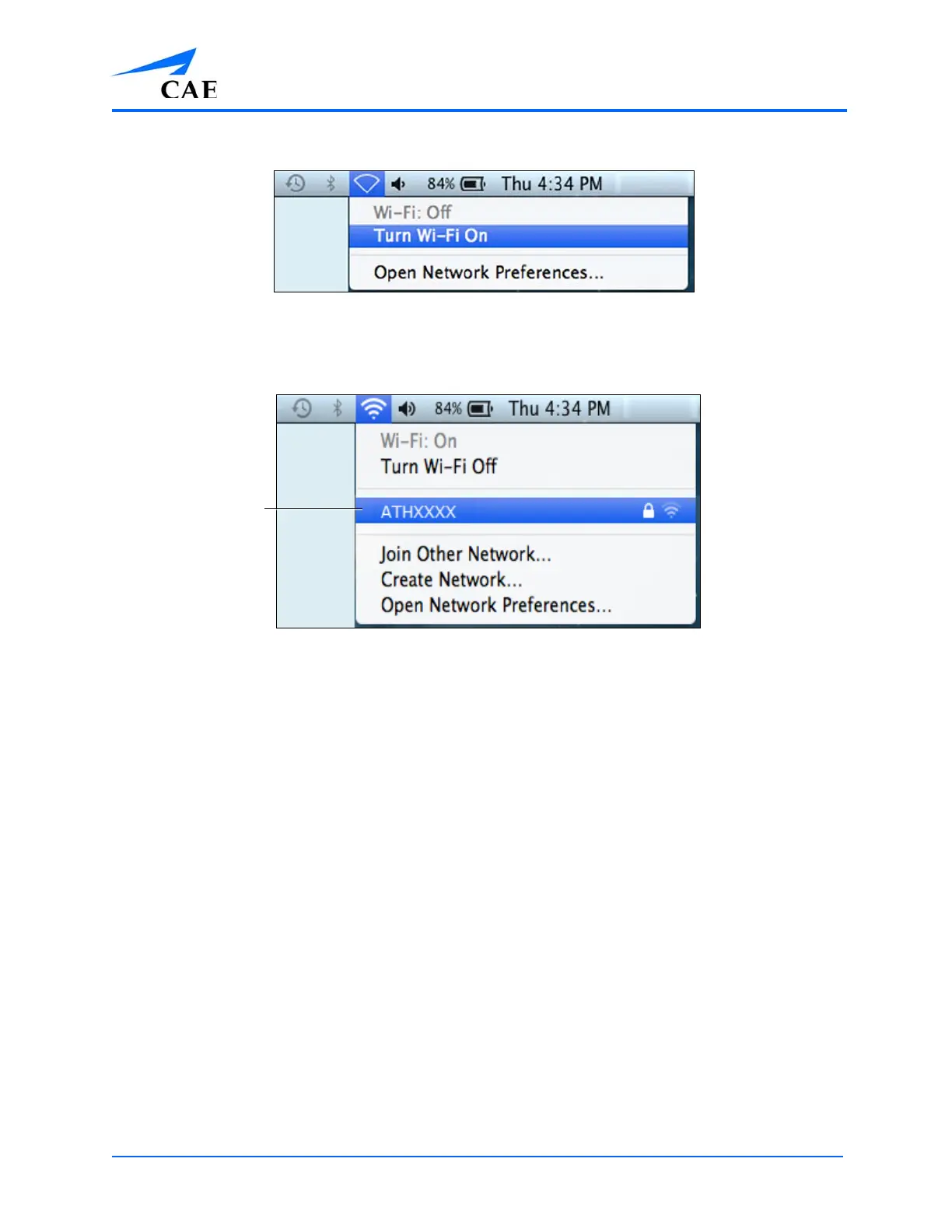
The WiFi Icon
3. Select your simulator’s wireless network (for example, ATHXXXX, where XXXX is the serial
number for the unit) and enter password
The Simulator WiFi Connection
The case-sensitive network password is caeadmin.
The wireless connection is established.
The Müse software can now be launched.
For more information on starting the application, see the Using Müse section of the User Guide.
The simulator WiFi
connection



 To Next Page