Using Müse
16
CAEAthena
PN: 905K520652 v2.8
2. Select Müse
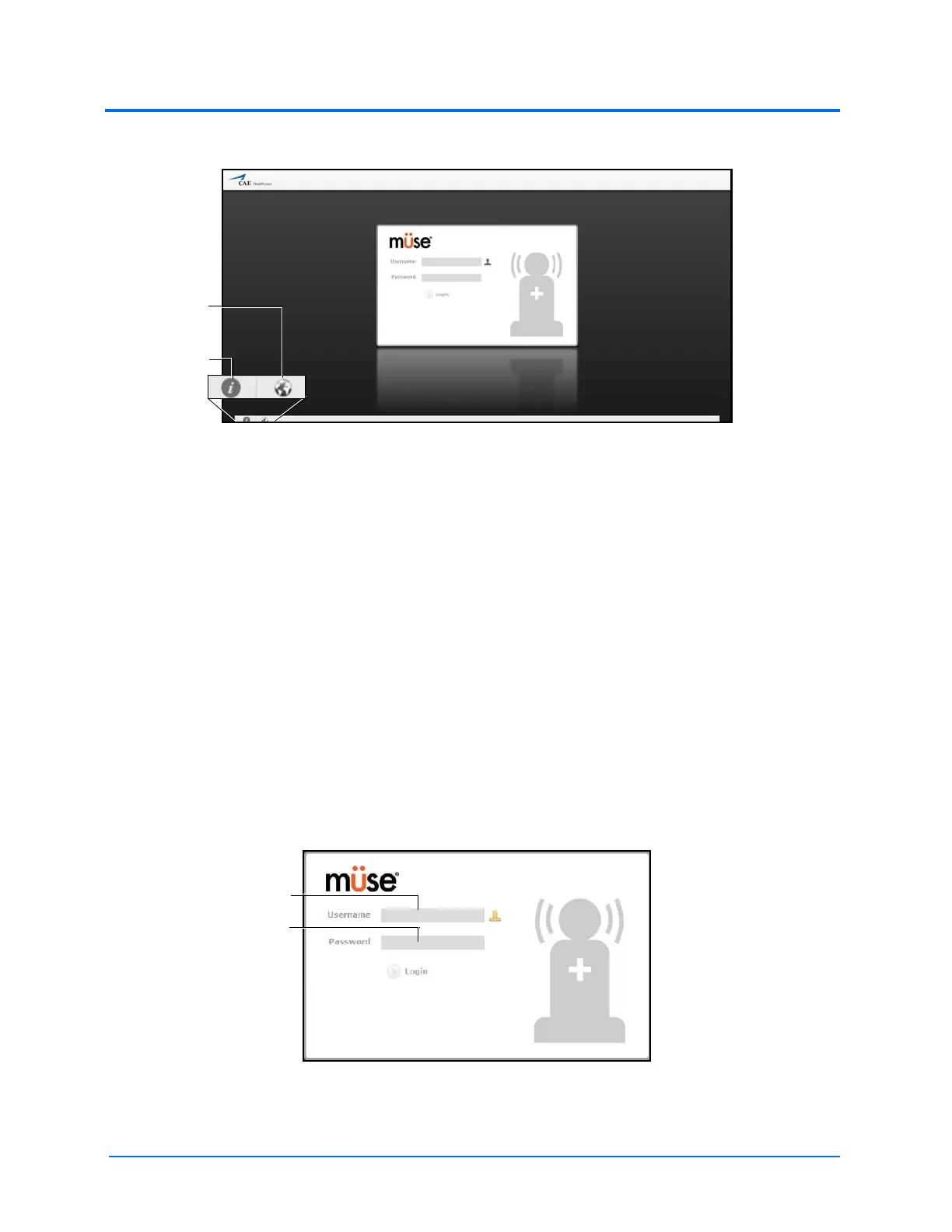
The Müse Login Screen
The icons in the bottom left corner of the screen provide access to additional information
about the software:
Clicking the Info icon to access the Info menu. From the Info menu, users can select from
the following options:
º Select About to access information about the Müse software version, the type of
simulator and the serial number
º Select User Guide to download the user guide (English version). To access the
User Guide in other languages, please visit www.caehealthcare.com and click the
Support link.
º Select Support for CAE Support contact information
Click the globe-shaped Language icon in the bottom left corner to change the language
of the Müse software.
3. On the Login screen, enter the Username and Password in the appropriate fields and
click Login to access Müse
The default Username is admin and the default Password is admin.
The Müse Login Fields
The Info icon
The
Language
icon



 To Next Page