Using Müse
25
PN: 905K520652 v2.8
The listed probes impact which vital sign signals are displayed on the patient monitor; including
TouchPro and commercial monitors connected via VitalsBridge. By default they are all on. Turning
probes off here will impact some of the graphs as follows:
• ECG Leads OFF:
º The ECG waveform is not displayed
• Pulse Oximeter OFF:
º The PLETH waveform is not displayed
• Capnograph turned OFF:
º The CO2 waveform is not displayed
The listed probes also impact the numerical values as follows:
• ECG Lead OFF and Pulse Oximeter OFF:
º The HR (Heart rate) is not displayed
• Pulse Oximeter OFF:
º SpO2 is not displayed
• Capnograph OFF:
º EtCO2 not displayed
• Pulse Oximeter OFF and Capnograph OFF:
º RR (Respiratory rate) not displayed
• Blood Temperature Probe OFF:
º TBlood and TRectal not displayed
• Body Temperature Probe OFF:
º TAxilla and TBody not displayed
Note: In simulators that include an emulated SpO2 probe which connects to the simulator's side and
is placed on the finger, the detected on/off status of the emulated probe will take precedence over
the on/off status indicated in the monitor signals menu.
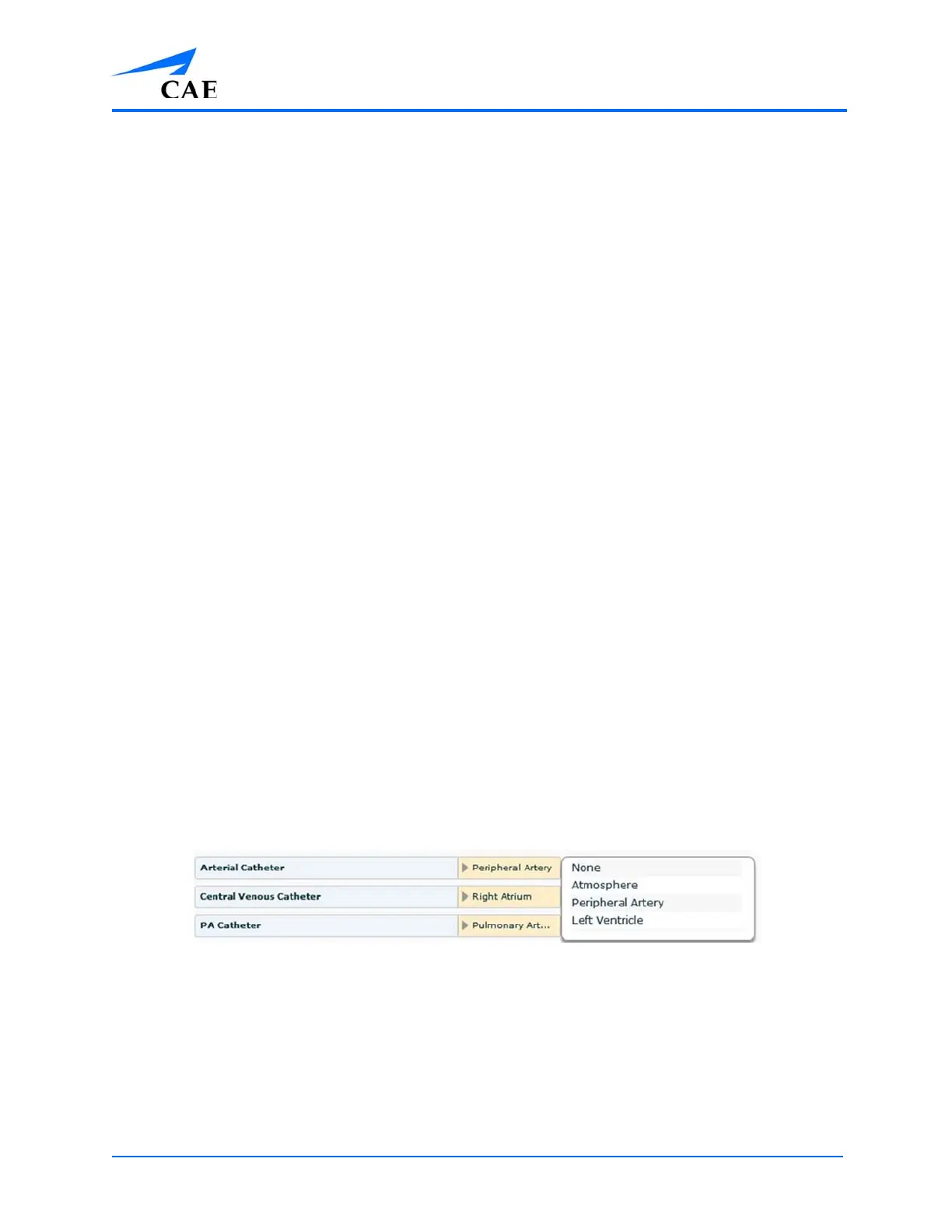
Setting the catheter placement to Atmosphere causes a flat line to be displayed even when an
override is used.
Arterial Catheter Placement



 To Next Page