Chery QQ Service Manual BCM Computer Control System
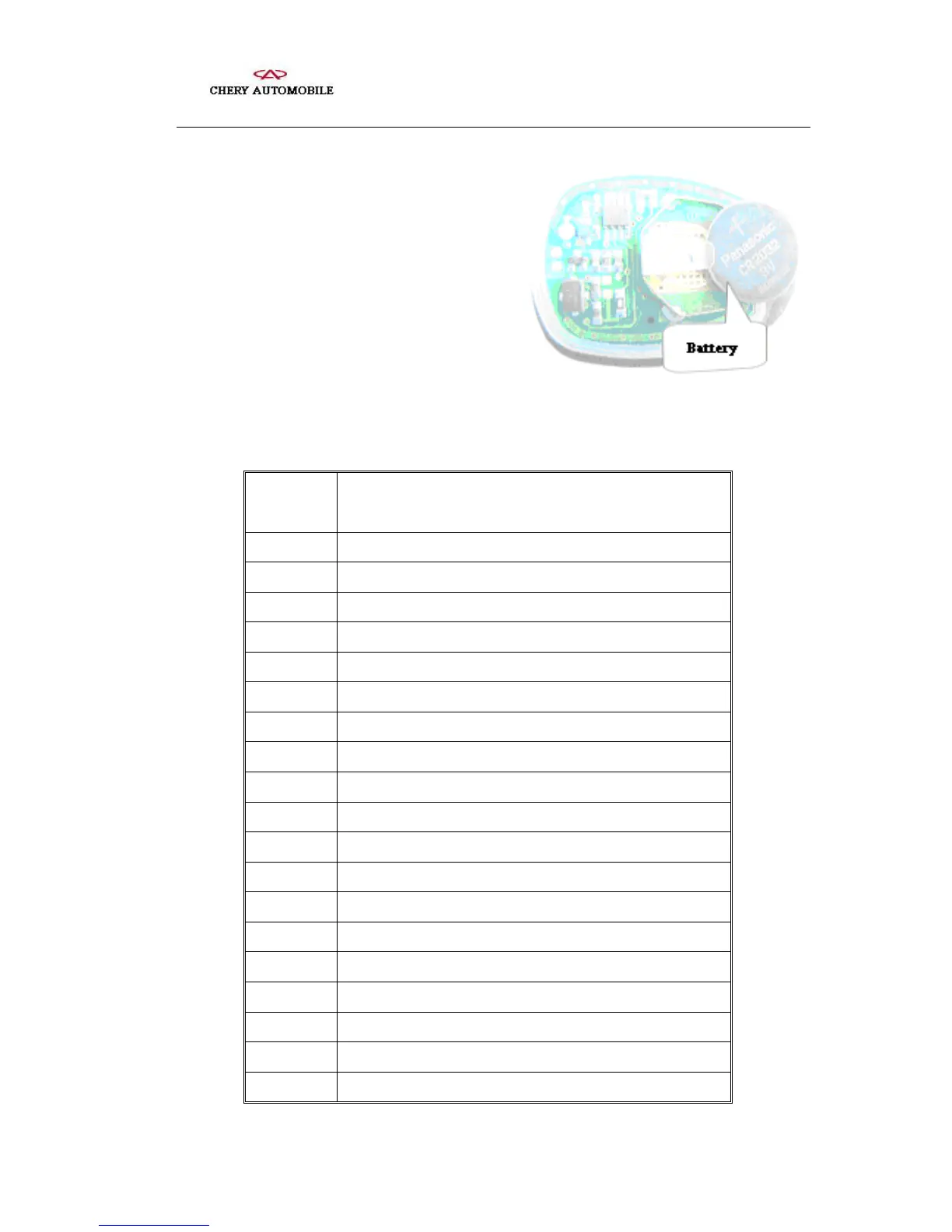
Note: Only the battery with regulated voltage
(+3V) is available. Put in a proper manner
according to positive and negative marks.
2. Check BCM computer
Terminal check of BCM computer is tabulated as below.
Terminal
No.
Terminal Notes
A1 Signal for elevation of left front power window
A2 Ignition switch power supply +12V(F14)20A
A3 Field coil of starter’s electromagnetic switch
A4 Switch signal of central door lock (left front)
A5 Battery power signal +12V(F13)30A
A6 Battery power signal +12V(F13)30A
A7 Battery power signal +12V(F13)30A
A8 Grounding
A9 Grounding
A10 Antitheft alarm signal
A11 Control signal for motor lock of central door lock
A12 Control signal for motor unlock of central control door lock
A13 Antitheft indication signal to right turn indicator
A14 Signal for decline of left front power window
A15 Signal for elevation of right front power window
A16 Signal for decline of right front power window
A17 Signal for elevation of right rear power window
A18 Signal for decline of right rear power window
A19 Battery power signal +12V(F13)30A
- 83 -



 To Next Page