D 23 7
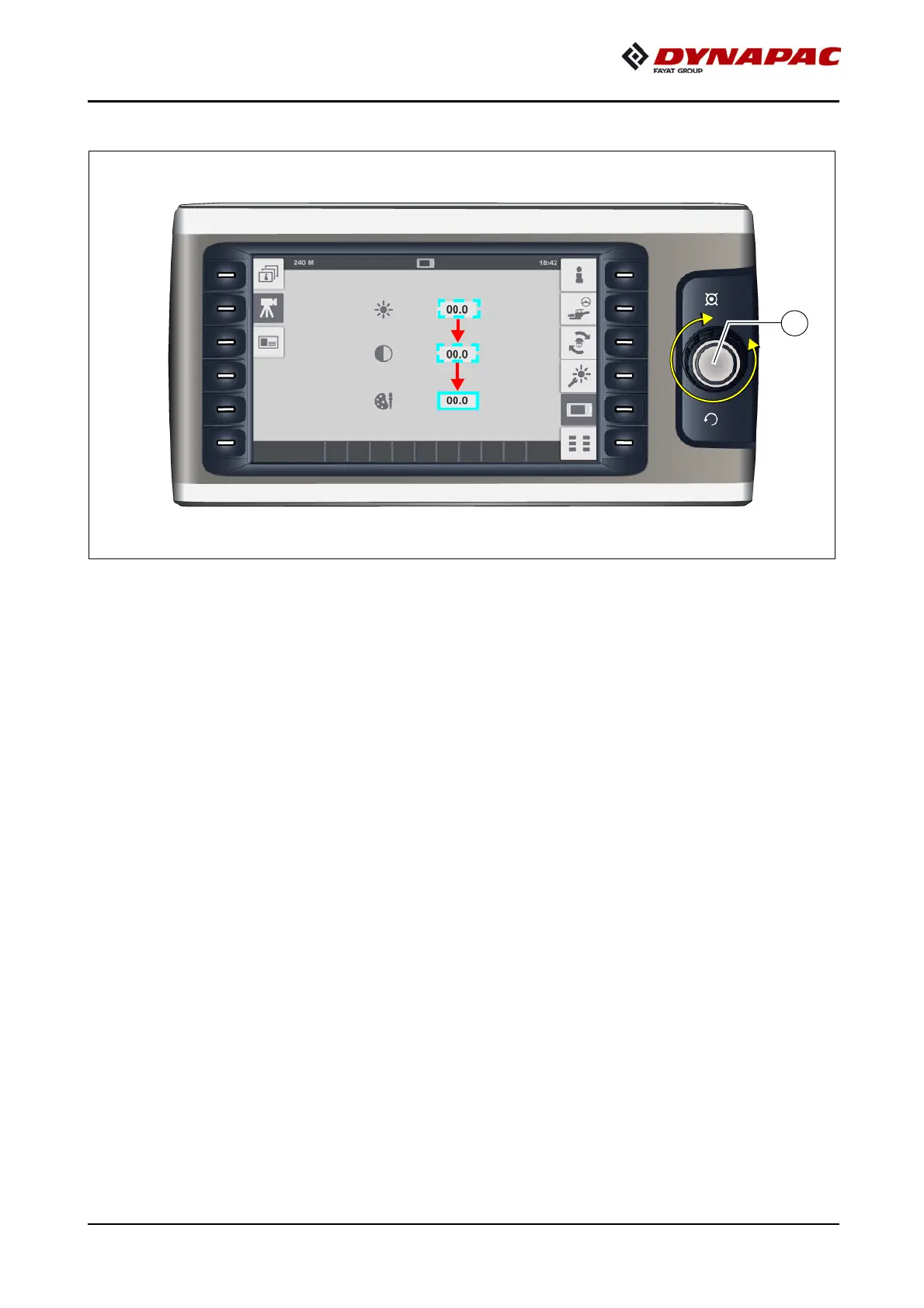
Selecting and changing an adjustment parameter in a menu
- Press jog dial (C) to activate the parameter adjustment.
A
A blue frame appears around the top adjustment parameter in the menu.
- Turn jog dial (C) in the corresponding direction until the blue frame is around the
required adjustment parameter.
- Press jog dial (C) to activate the parameter adjustment.
- Turn jog dial (C) in the corresponding direction to reach the required value.
- Press jog dial (C) to adopt the adjusted value.



 To Next Page