D 23 30
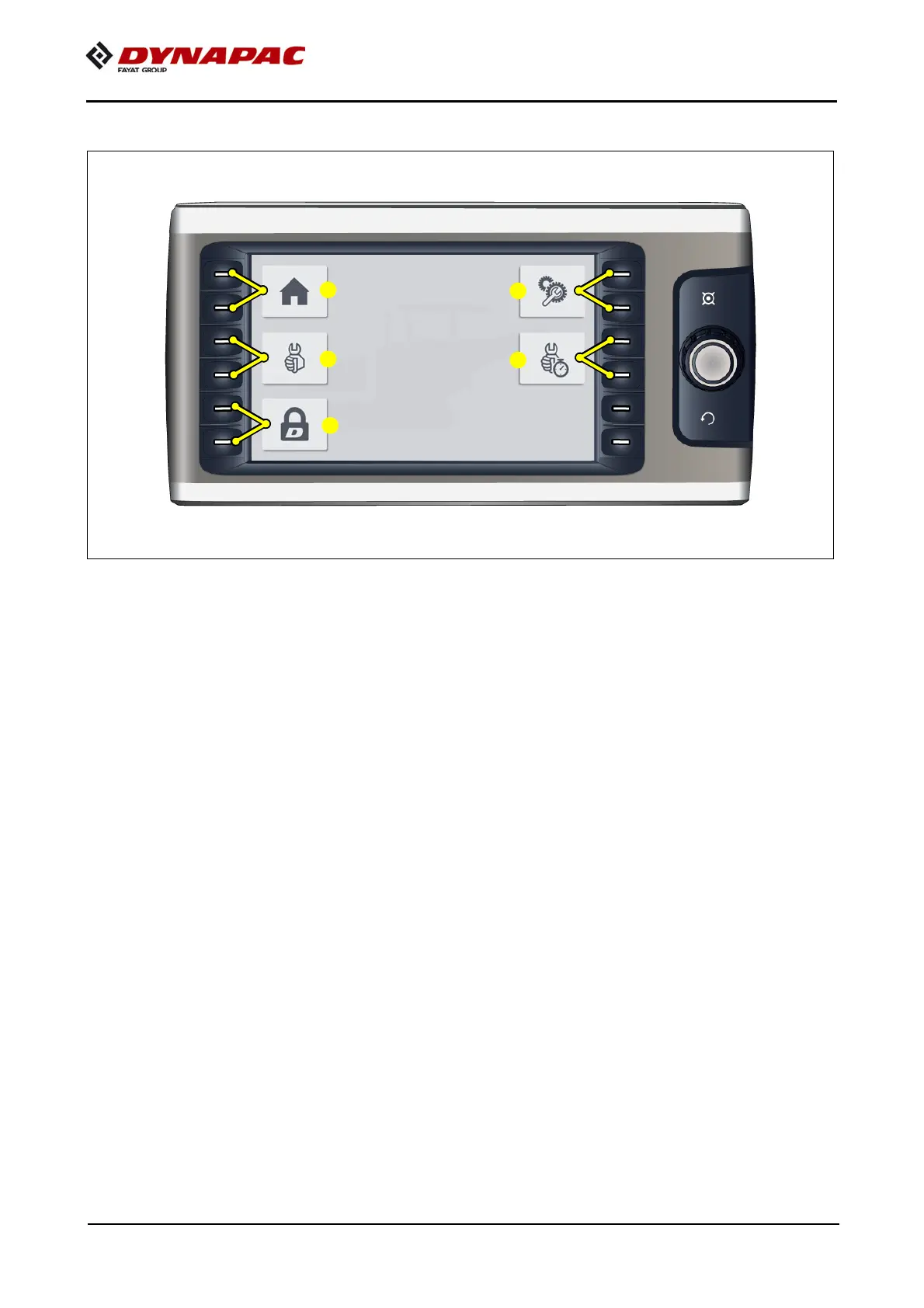
"Basic" menu
A
The "Basic" menu can be opened from every menu, sub-menu or display.
Menu for opening the following sub-menus:
- (1) "Home" menu
- "Display and quick settings" menu.
- (2) "Service" menu
- Menu for service technician (password required)
- (3) "Info & settings" menu.
- Menu for adjusting various functions.
- (4) "Service report" menu
- Menu for recording service work performed on the vehicle.
- (5) "Remote lock" menu
- For locking and unlocking vehicle functions.



 To Next Page