D 23 43
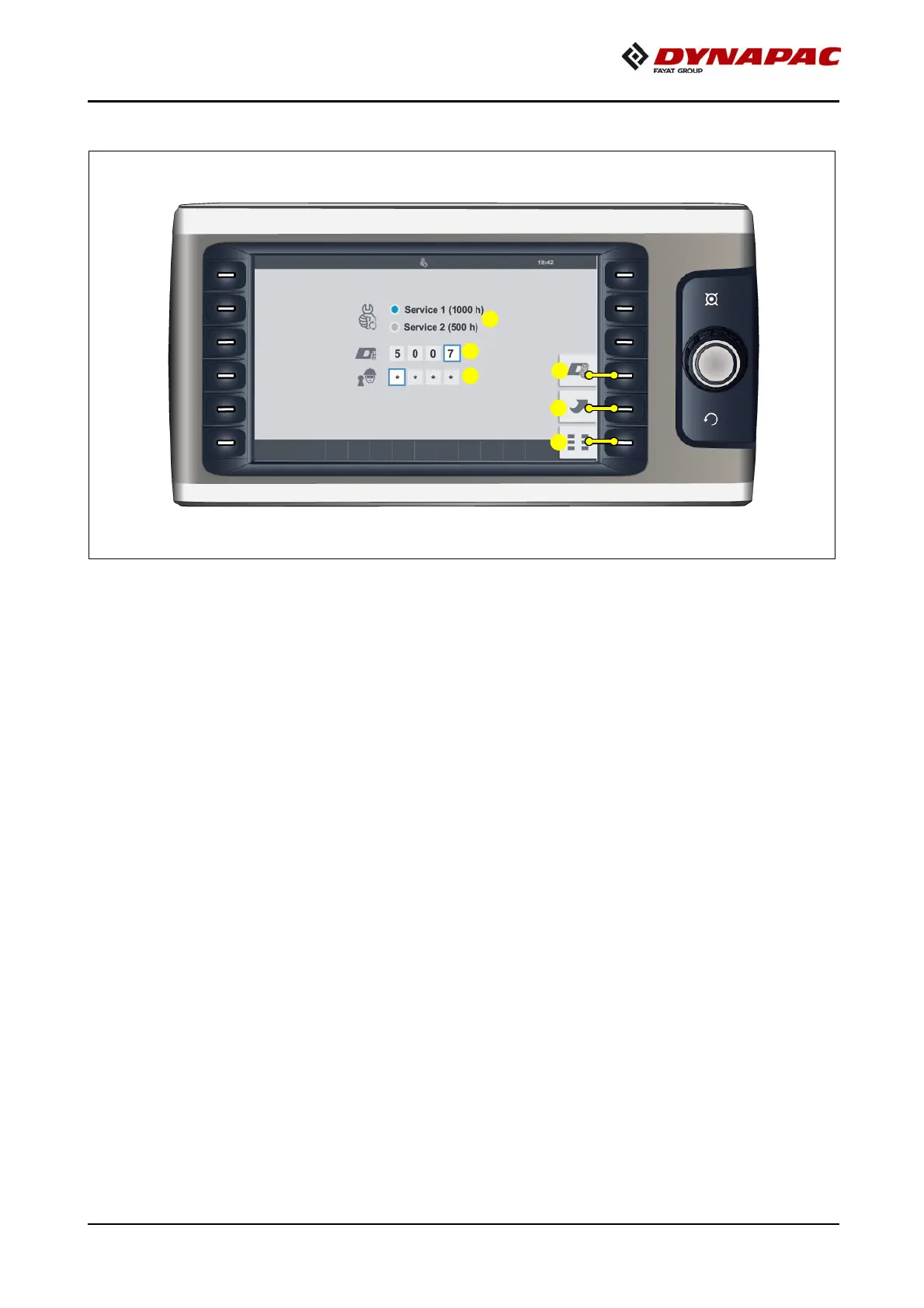
Report for Dynapac service technician - step I
Menu for entering the following parameters:
- (1) Selection "Performed service"
- Service 1 / Service 2 / Service 3 (o)
- (2) Technician number of the Dynapac service technician
- (3) PIN of the Dynapac service technician
A
When the input field appears with a red surround, this indicates the technician
number or PIN were entered incorrectly.
Perform the following functions:
- (4) Report for Dynapac service technician - step II
- (5) Back to previous mask
- (6) Back to "Basic" menu



 To Next Page