D 30 35
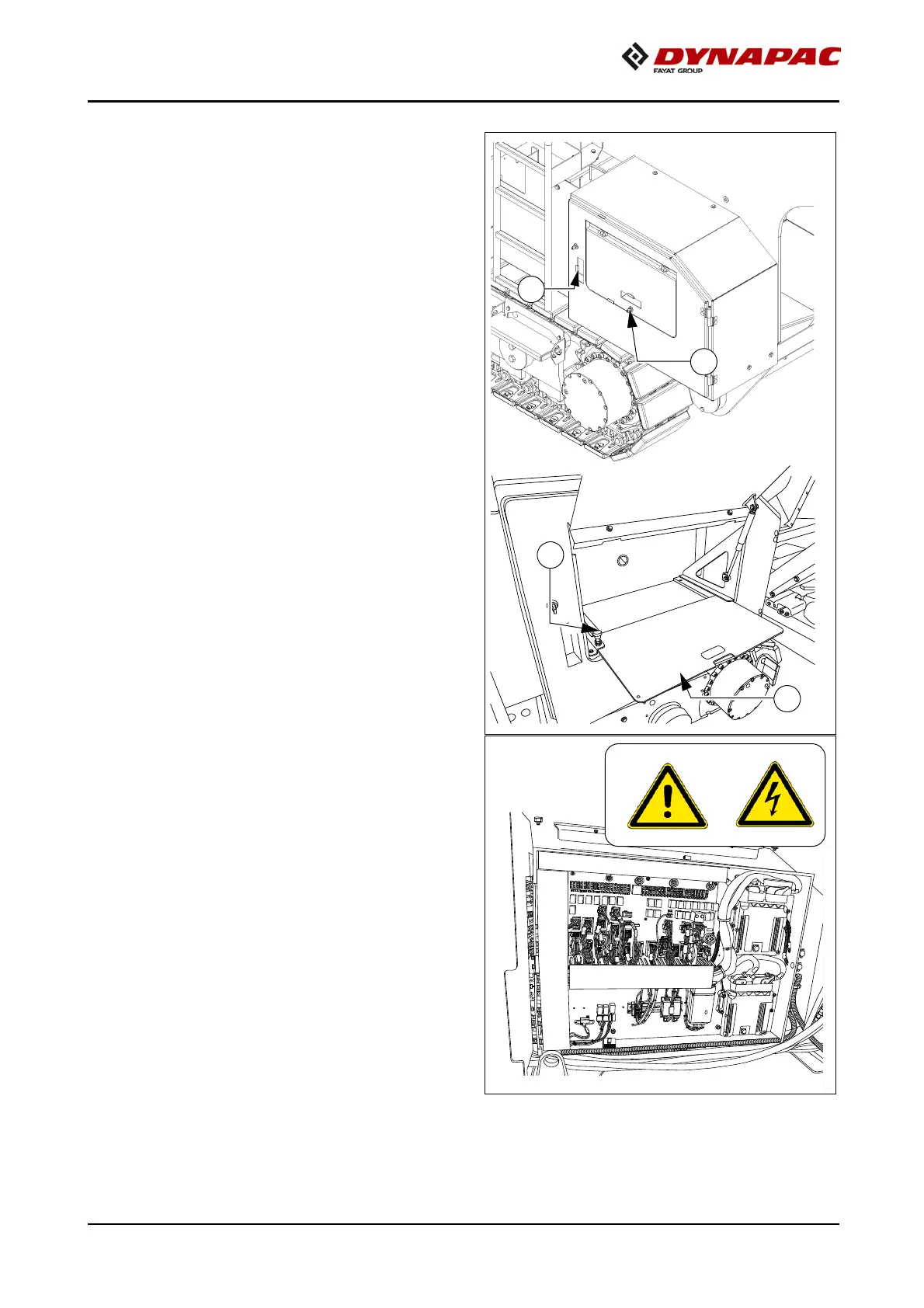
Tray
- Open the flap (1) to use the extenda-
ble tray (2).
- Secure the tray in the front or rear po-
sition with the latch (3).
A
Construction site documents can
be completed or a laptop set down on
the tray.
Fuse box
Open the door (4) to access the terminal
box. The terminal box contains all fuses
and relays, etc.
A
An assignment plan for fuses and relays
can be found in chapter F8.



 To Next Page