D 23 37
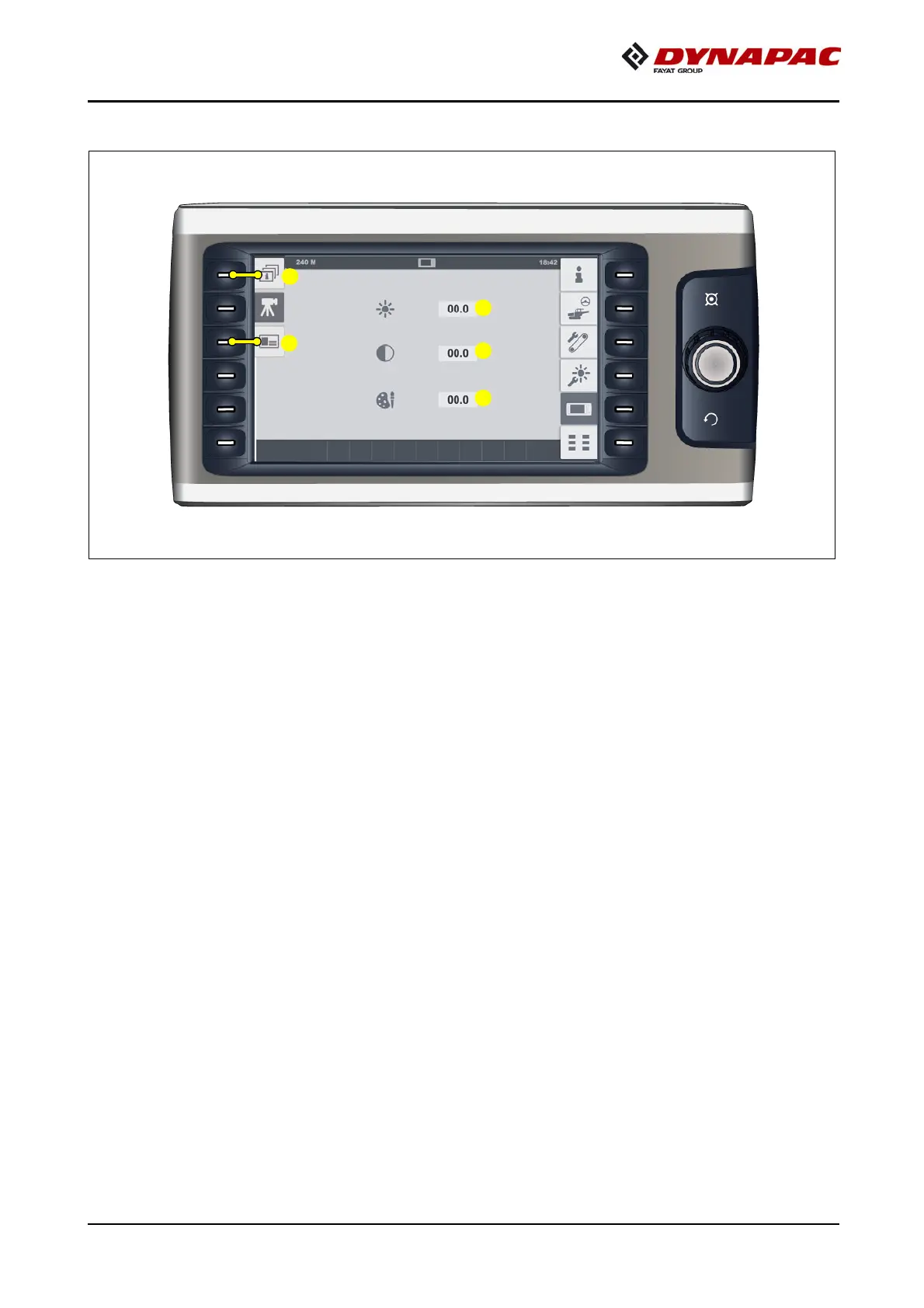
"Camera / display" set-up menu
Menu for setting up the camera display.
- (1) Brightness display and adjustment parameters
- (2) Contrast display and adjustment parameters
- (3) Colour display and adjustment parameters
Setting range 0-100%
Open the following sub-menus:
- (4) "Display" set-up menu.
- (5) "Licence text" display



 To Next Page