D 23 41
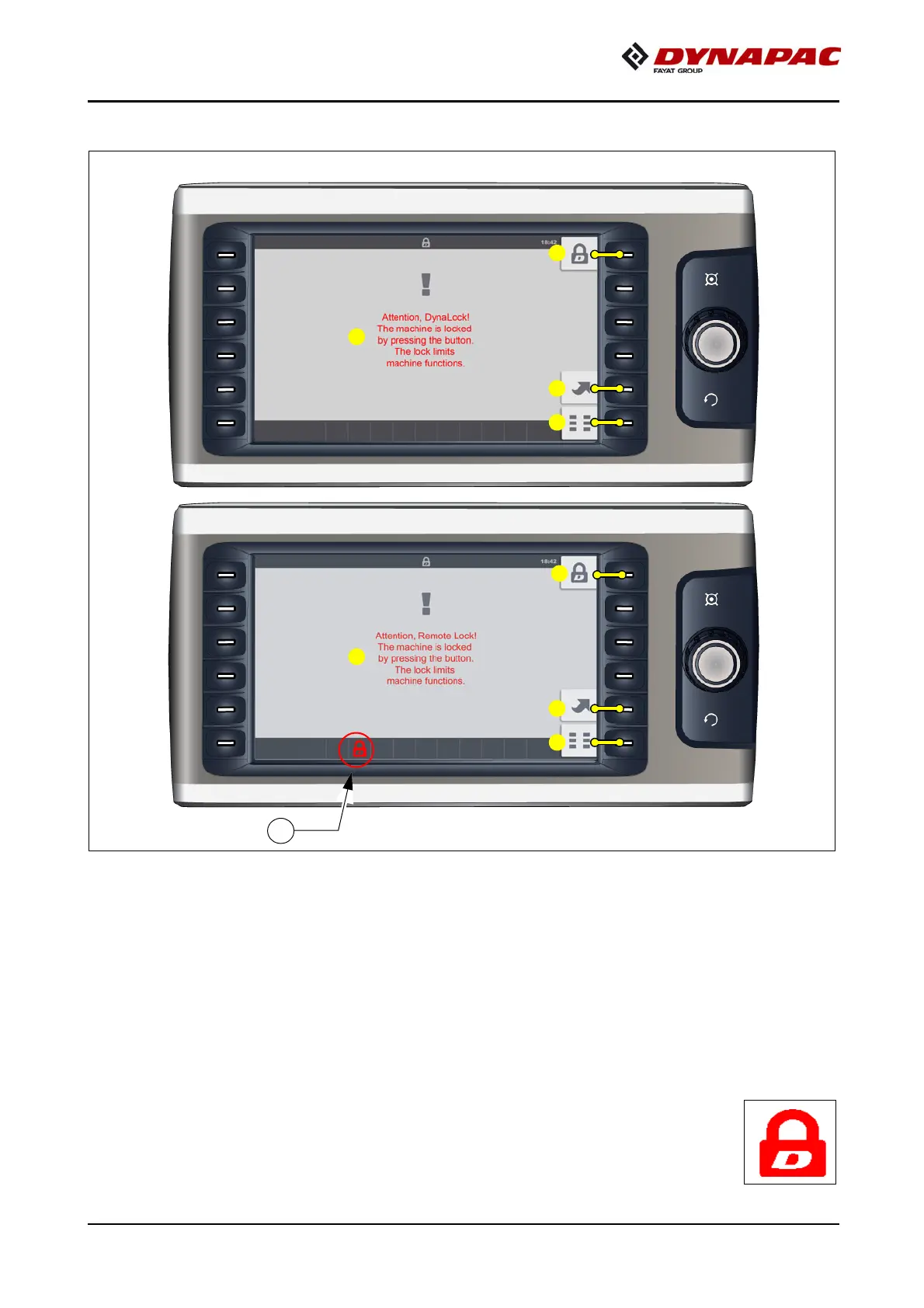
"Lock" menu
Menu for locking vehicle functions.
Open the following displays / sub-menus:
- (A) "Remote Lock!" warning appears
- (1) When vehicle already locked: Open "Unlock" menu
- (2) "Basic" menu display
m
The lock function is activated by pressing function button (3).
A
After locking, button (3) has no function and the corresponding error
message (4) appears.



 To Next Page