D 30 5
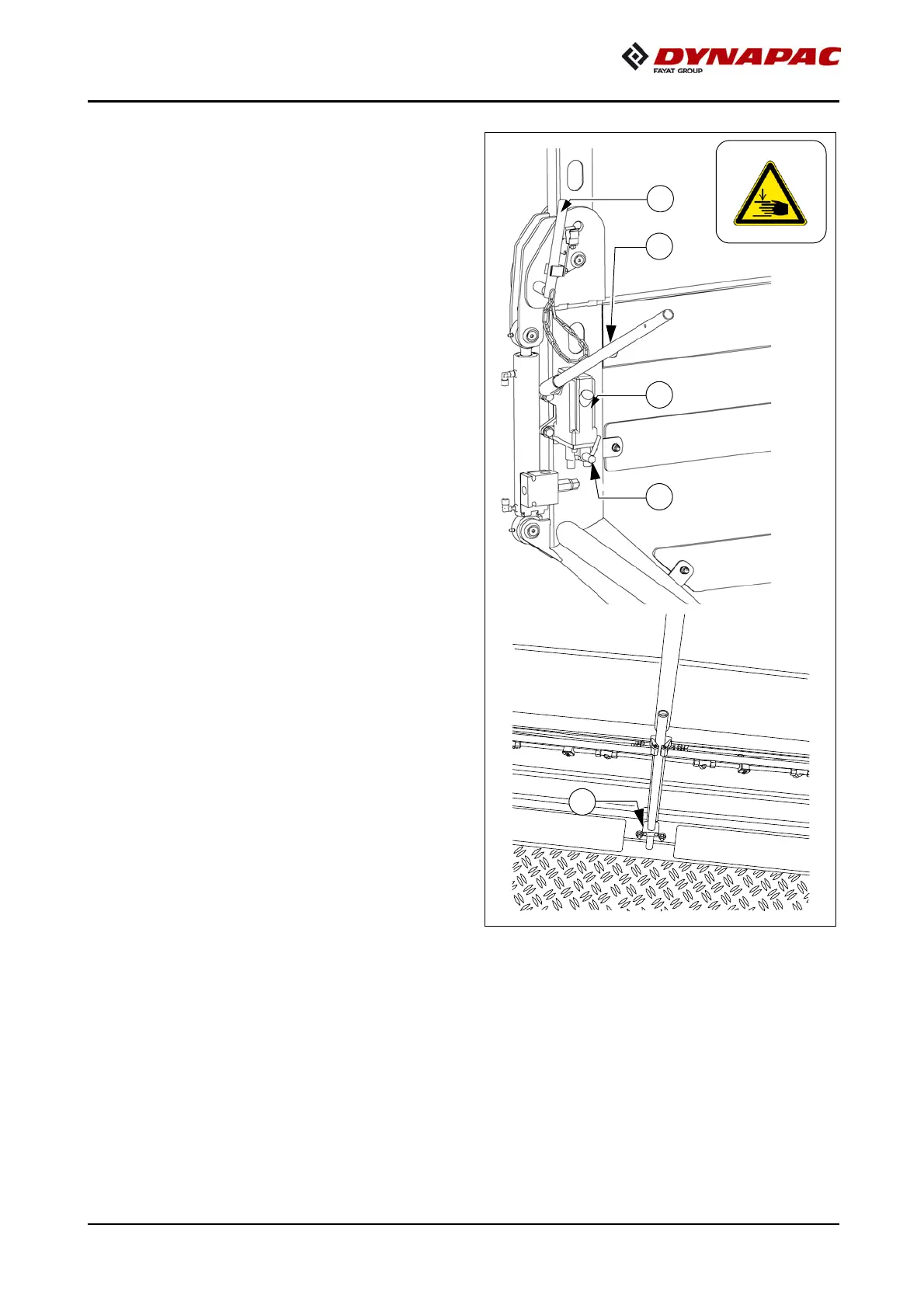
- Connect the pump lever (1) to the
pump (2).
- Tighten bolts (3) on both sides of
the roof.
- Operate the pump lever (1) until the
roof has reached the upper or lower
limit position.
- Set bolts (3) in the respective posi-
tion on both sides of the roof.
A
Place the pump lever in the bracket (6).



 To Next Page