Autopilot Operation
SkyView HDX Pilot’s User Guide – Revision B 8-9
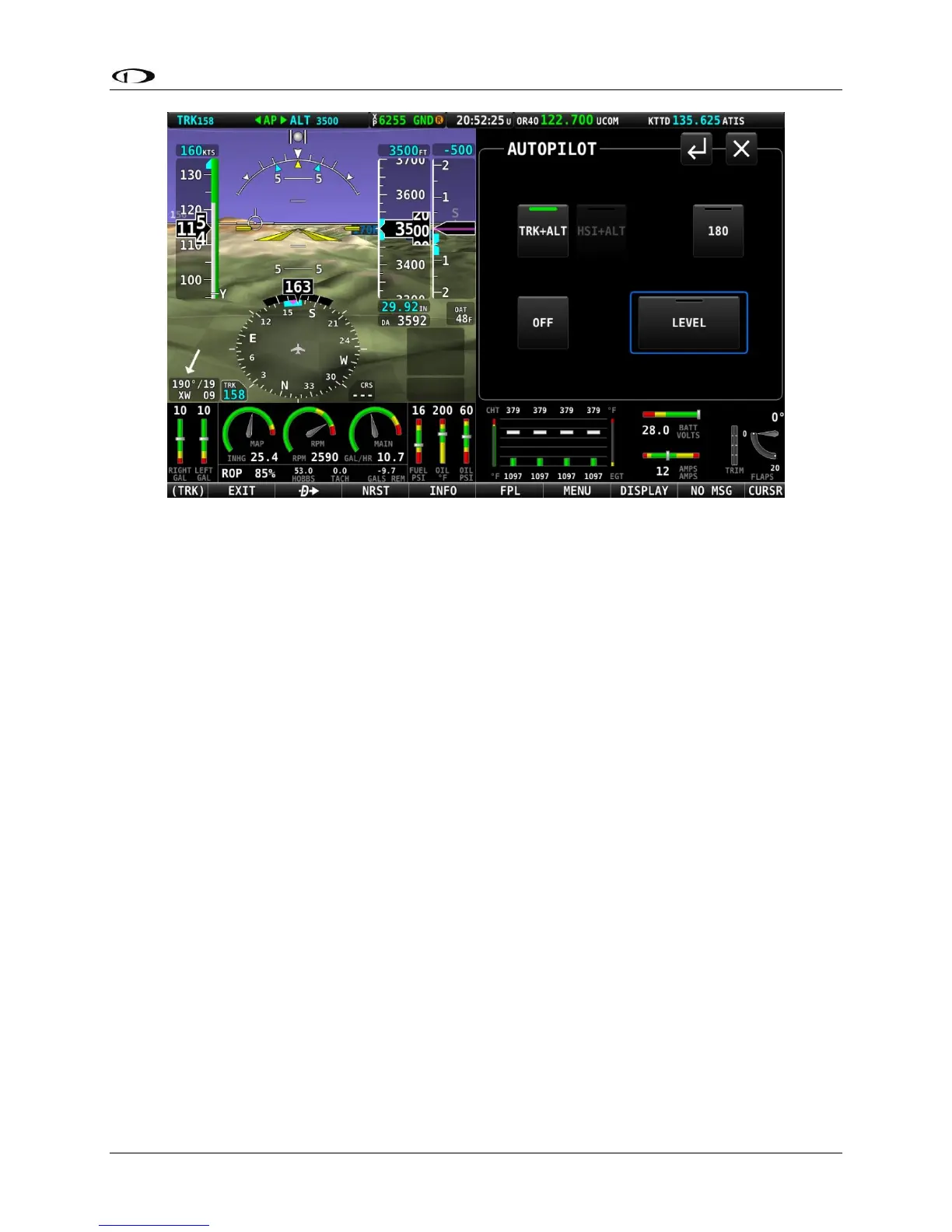
Figure 217 – TRK+ALT mode is engaged
To disengage the autopilot, press the OFF button, the autopilot disconnect switch, or the
TRK+ALT button a second time. TRK+ALT will be unavailable and grayed-out if there is not a
valid GPS signal or if the autopilot is outside of its allowable engagement speed ranges.
HSI+ ALT
Press the HSI+ALT button to engage the autopilot in HSI and Altitude Hold modes
simultaneously. When engaged, the HSI+ALT button will show a green bar indicating the mode
is engaged, ALT bug is synchronized to the aircraft’s current value, and the HSI source and
altitude that the autopilot is flying is shown in the Top Bar.
If the aircraft is not currently on the intended course – HSI course deviation needle is not
centered – when this mode is engaged, the autopilot will turn the aircraft to establish and
intercept course. Once the needle is nearly centered, the autopilot will turn as necessary to
follow the course.





 To Next Page