PFD Operation
SkyView HDX Pilot’s User Guide – Revision B 4-35
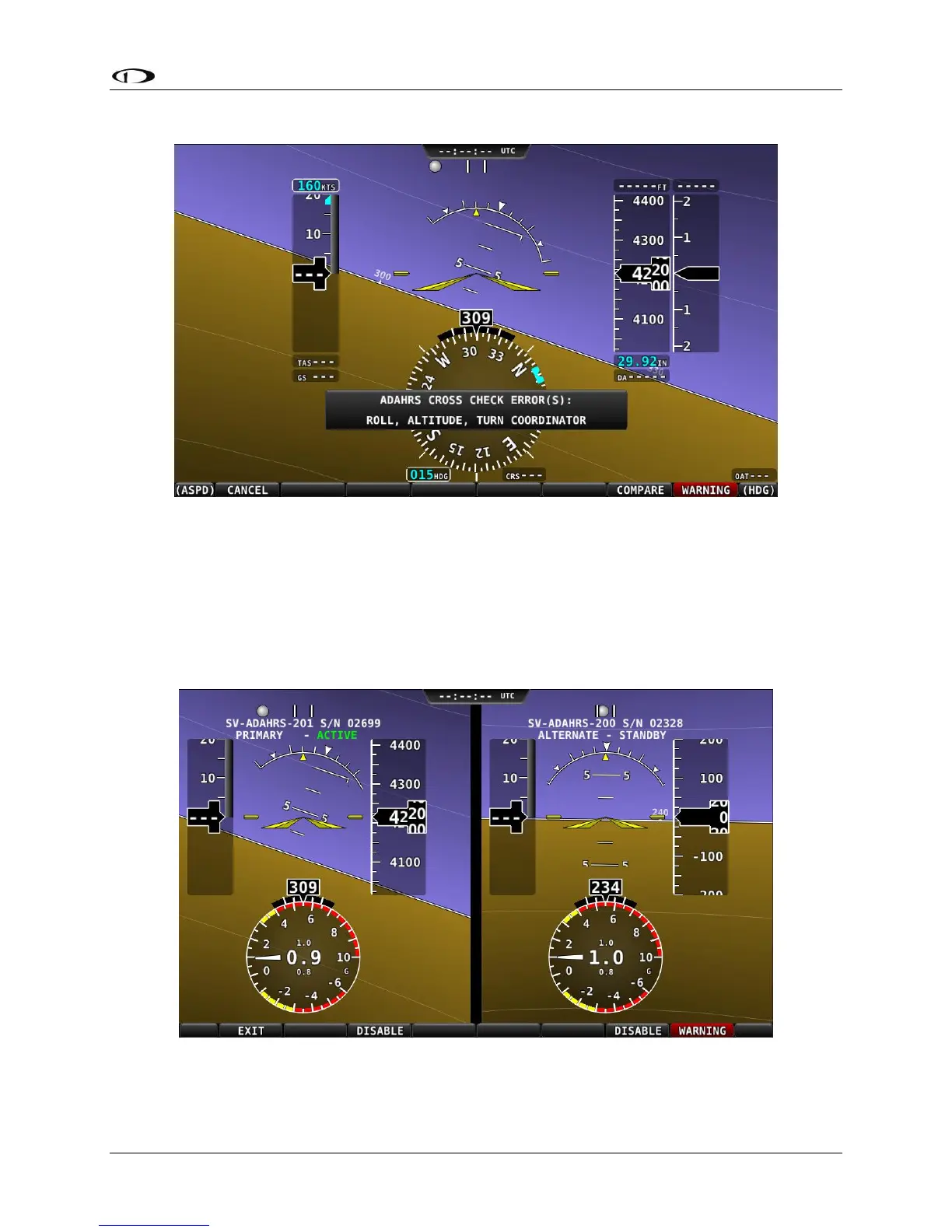
Figure 84 – ADAHRS Cross-Checking Disagreement
Once SkyView has annunciated a cross-check comparison problem, press COMPARE to see
flight data from both units side-by side. The ADAHRS that was previously displayed on the PFD
is labeled “ACTIVE”, while the one that was not previously being displayed – but which was
being used as the cross-check reference – will be labeled as “STANDBY”. Additionally, the labels
“PRIMARY” and “ALTERNATE” designate which ADAHRS is normally displayed when both are in
agreement and neither is disabled.
Figure 85 – ADAHRS Cross-Check Comparison (EFIS Presentation)





 To Next Page