PFD Operation
SkyView HDX Pilot’s User Guide – Revision B 4-37
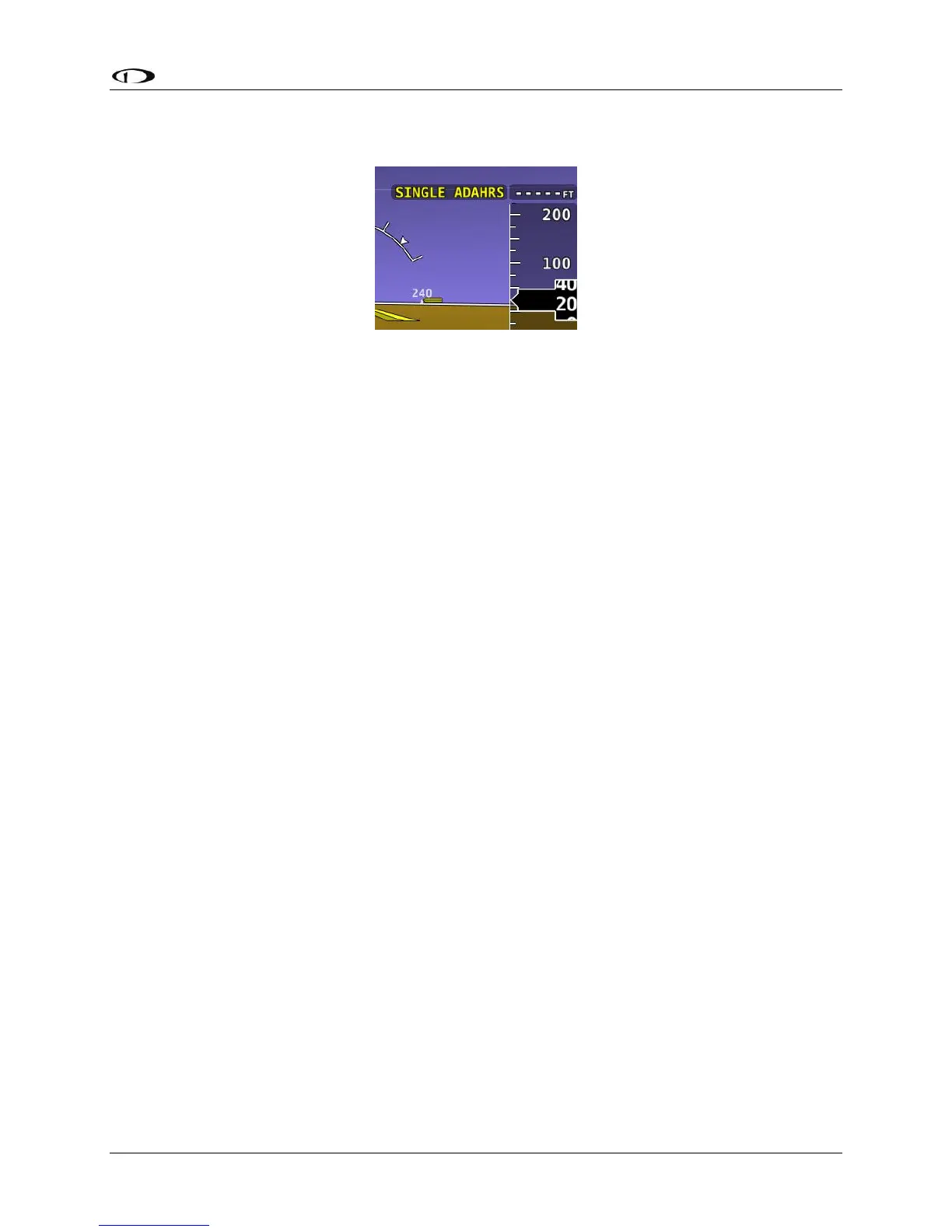
Press EXIT to return to normal operation. The PFD will annunciate that only a single ADAHRS is
available for use:
Figure 88 – Single ADAHRS Mode Flag
If you are in flight, and you pushed the COMPARE button, but did not disable one of the
ADAHRS units (just pushed the EXIT button), a red warning and ADAHRS CROSS CHK ERROR
alert will persist in the Message Alert Area (above button 8).
To go back to the ADAHRS comparison screen to disable an ADAHRS:
• Push buttons 7+8. This opens the IN FLIGHT SETUP MENU.
• Select ADAHRS SOURCE SELECTION
• The side-by-side view of the two unit’s flight data will be displayed
• Push the DISABLE button under the unit with incorrect flight data
• Push the EXIT button to return to the normal PFD display.




 To Next Page