v 2.0 — March 2023 Altanium Delta5
230 Color Change and Thermal Sensitive Resin Example
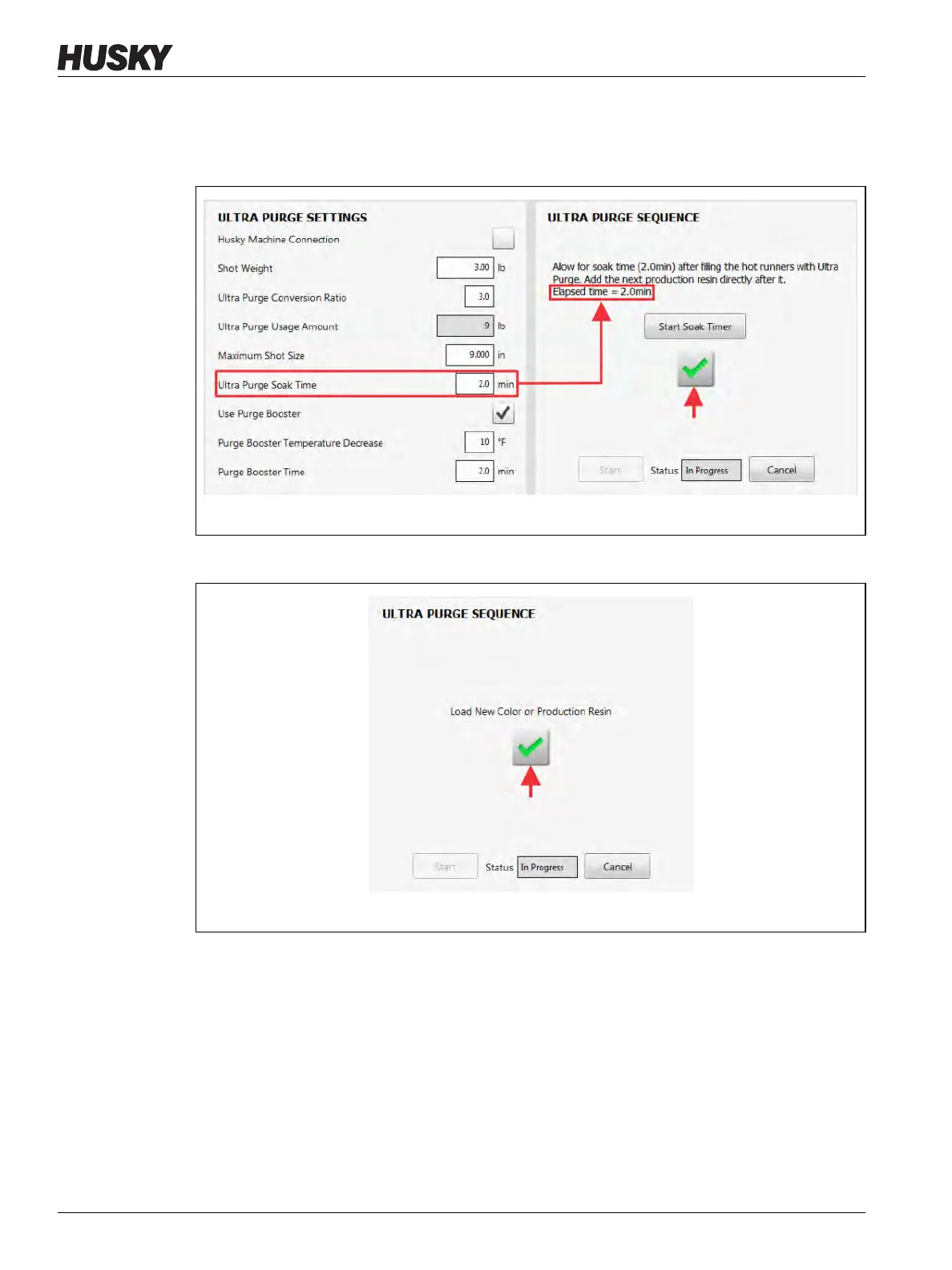
15. When the soak time has completed, touch the check mark button to continue
(Figure 13-29).
NOTE: The check mark button becomes enabled when the soak time completes.
16. Load the new color or production resin into the IMM (Figure 13-30).
Figure 13-29 Ultra Purge Soak Time Completes
Figure 13-30 Load New Color or Production Resin



 To Next Page