8.13.3 Assigning an input
1. Use «Up» or «Down» to select the
RCAck
line.
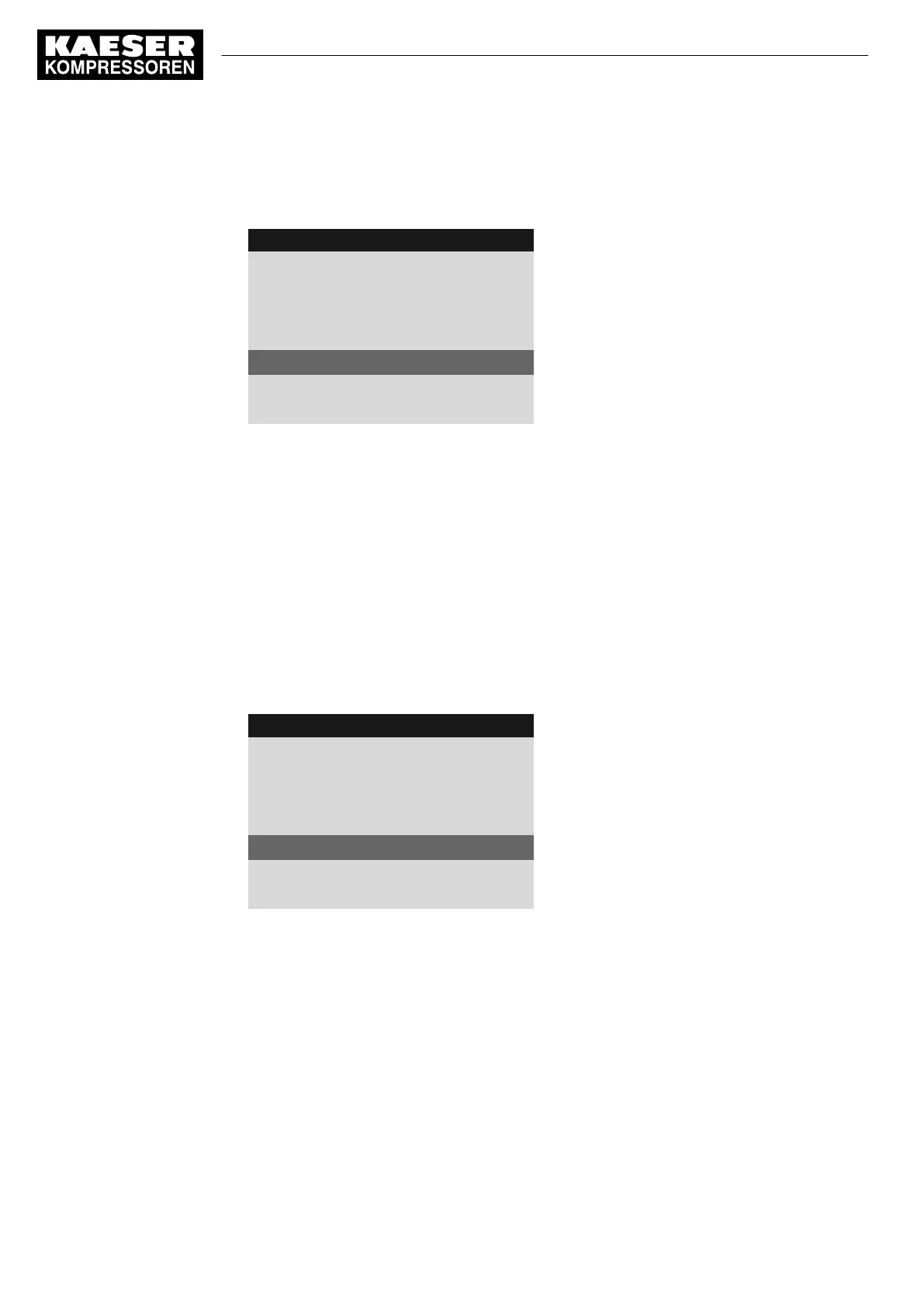
8 8 p s i 0 8 : 1 5 A M 1 7 6 ° F
Header
5.5 Acknowledgement
Menu
Remote mode:
Key + remote contact
------------------------------
RC Ack DI1.07 ☐
Active line
Key remote : ☑
2. Press «Enter».
The
DI
display flashes.
3. Use «Up» or «Down» to set the input.
4. Press «Enter».
The input has now been assigned.
5. Press the «Right» key.
6. Press «Enter».
The check box assigned to the input flashes.
7. Press the «Up» key.
The check box is activated.
8. Press «Enter».
The input is assigned and activated.
8 8 p s i 0 8 : 1 5 A M 1 7 6 ° F
Header
5.5 Acknowledgement
Menu
Remote mode:
Key + remote contact
------------------------------
RC Ack DI1.06 ok ☑
Input for remote contact assigned and activated
Key remote : ☑
9. Press the «Remote control» key to enable remote acknowledgement.
Result Should a message occur, it can now be acknowledged from a control center.
8 Initial Start-up
8.13 Activating remote acknowledgement
170
User Manual Controller
SIGMA CONTROL 2 SCREW FLUID ≥5.1.2 No.: 9_9450 13 USE



 To Next Page