1. Open the 6
Compressor clock
menu.
The
Compressor clock
menu is displayed.
8 8 p s i 0 8 : 1 5 A M 1 7 6 ° F
Header
6 Compressor clock
Menu
Key clock : ☐
The timer control key is activated
Reset : ☐
All current switching points are reset
·········
01 n.a. 00:00AM off
Active line
02 n.a. 00:00AM off
03 n.a. 00:00AM off
User-defined clock program:
No.: Day Time Function
01
02
03
04
05
06
07
08
09
10
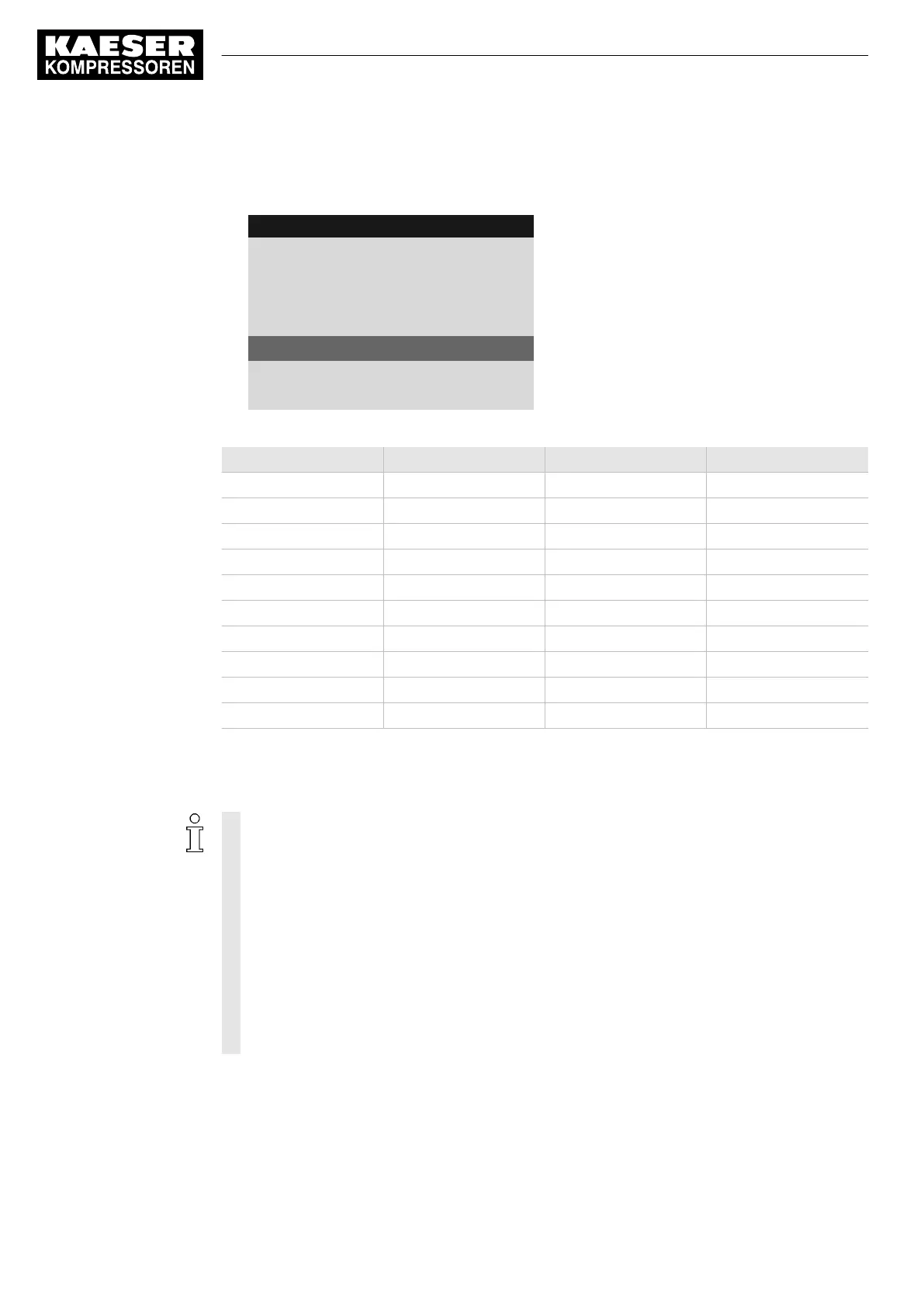
Tab. 60 User-defined clock program machine ON/OFF
8.5.1.2 Setting/adjusting the clock program (example)
When setting a clock program for the first time, note first the switching times on the "User-
defined clock program" table.
In addition to individual weekdays, the controller has the following cycles:
■ Mon-Thu
■ Mon-Fri
■ Mon-Sat
■ Mon-Sun
■ Sat-Thu
You can also program an OFF time (plant vacation shut-down, for example) (see Sec‐
tion 8.5.2).
Example
■ Machine ON: On weekdays 06:30AM – 05:00PM, Fridays 06:30AM – 03:00PM
■ Machine OFF: Sat – Sun and during midday break 12:00PM – 01:00PM
8 Initial Start-up
8.5 Configuring machine start and stop
92
User Manual Controller
SIGMA CONTROL 2 SCREW FLUID ≥5.1.2 No.: 9_9450 13 USE



 To Next Page