218 Keysight E4980A/AL Precision LCR Meter
Measurement Procedure and Examples
Measurements Using DC source
7-
6. Move to the SHORT field using the cursor keys and press the MEAS SHORT
softkey.
Wait until the message “SHORT measurement in progress” disappears.
7. Press the ON softkey to enable a SHORT correction.
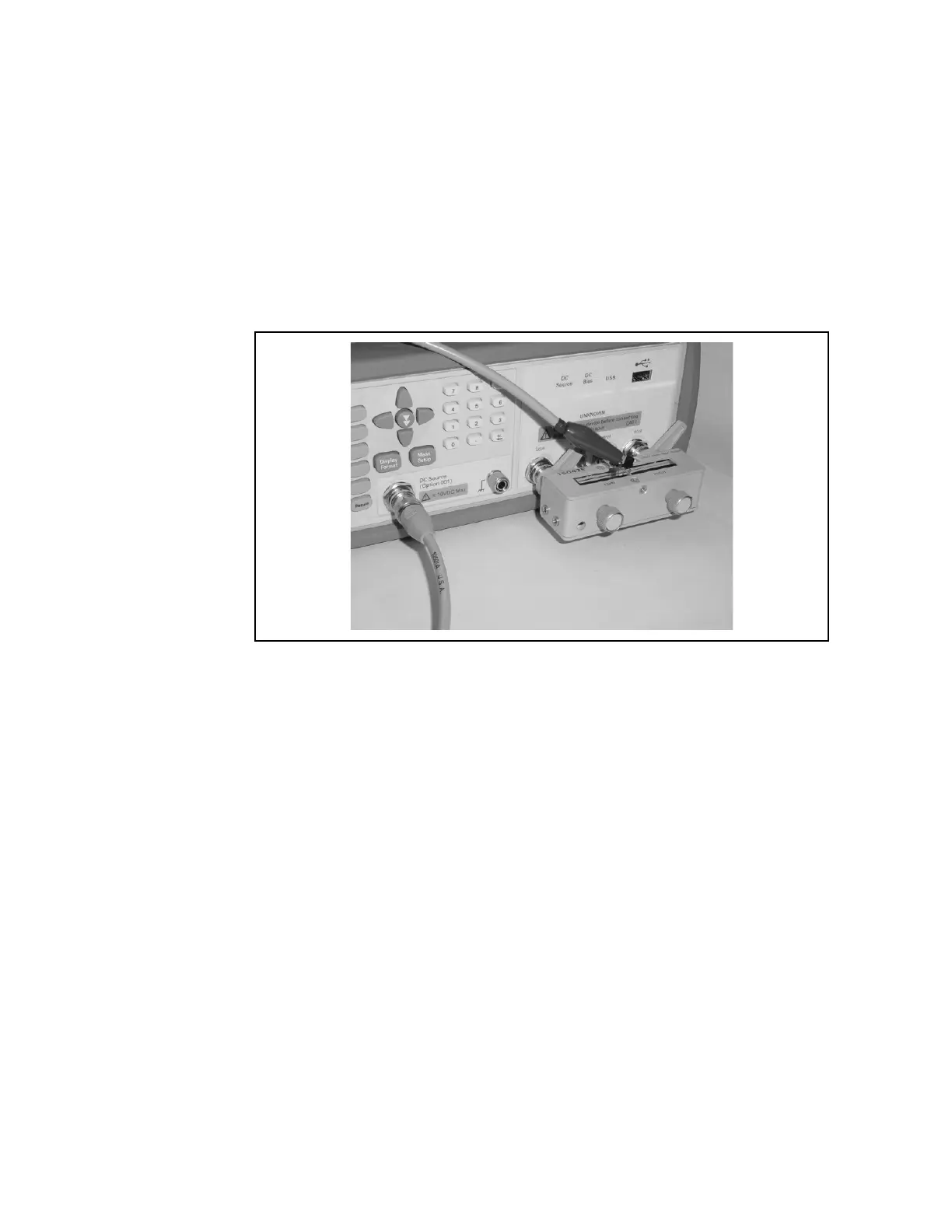
Step 6. Connect the transistor base and DC source. The corrector and emitter are
connected to the DUT.
Figure 7-24 Connecting DUT
Step 7. Press the [Meas Setup] key to set the following measurement conditions in
each field of the LIST SWEEP SETUP page
1. Set the list sweep parameter to DC SRC[V].
2. Enter the level of the sweep point.
Step 8. Press the [DC BIAS] key. DCSRC is displayed in the status display area and
the LED indicator of the DC source is ON (orange).











 To Next Page