2N8/2N7
1-2-21
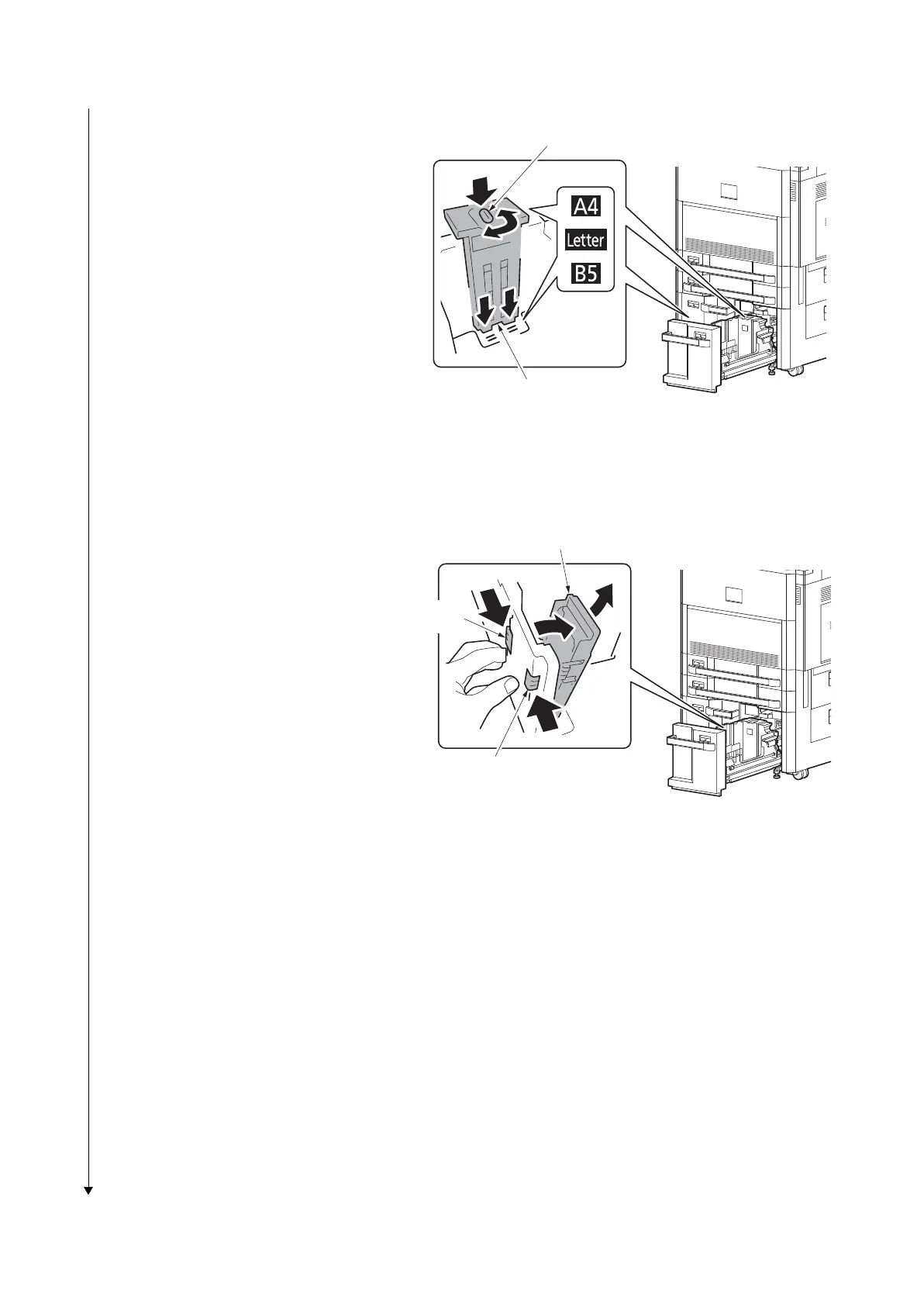
2. Insert the paper size guide A into the
slot (bottom of cassette) for the paper
size to be used.
3. Make sure that the top of the paper size
guide A matches the paper size to be
used, attach the lock lever, and rotate
the lever to lock it.
*: Gently try moving the paper size guide A
to verify that it is fixed.
Figure 1-2-34
4. With the bottom of the cassette pressed
all the way down, press the hook on the
side of the paper size guide B to
release it and pull out the paper size
guide B.
Figure 1-2-35
Lock lever
Paper size guide A
Paper size guide B
Hook
Hook


 To Next Page
 Loading...









