Gocator Line Profile Sensors: User Manual
Gocator Emulator • 472
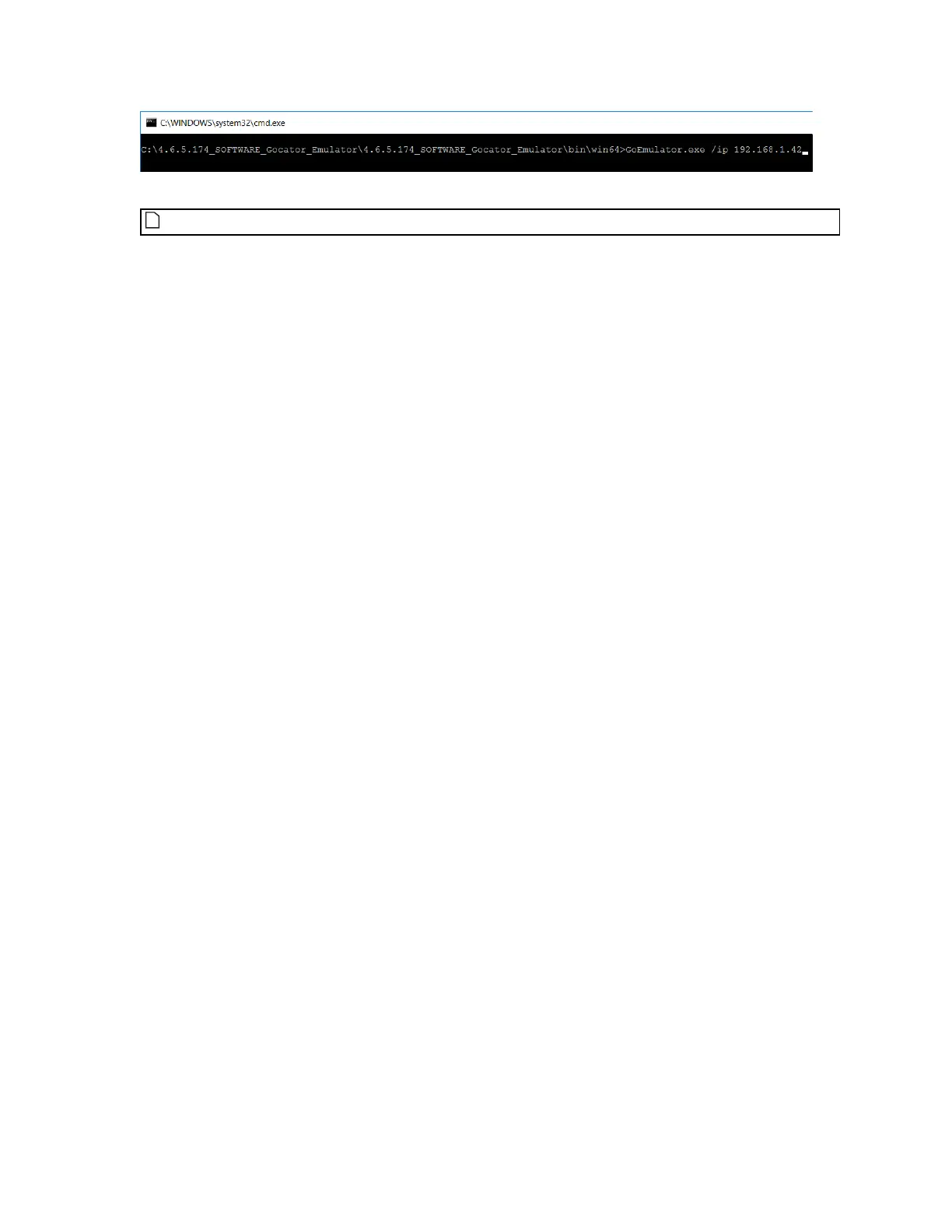
The emulator application starts.
The emulator does not check that the IPaddress is valid.
4. From the emulator launch page, start a scenario.
For more information, see Running a Scenario on page 461.
5. Provide the IPaddress you used with the /ip parameter, followed by port number 3191, to users who want
to connect to the emulated sensor, for example:
192.168.1.42:3191


 To Next Page
 Loading...


