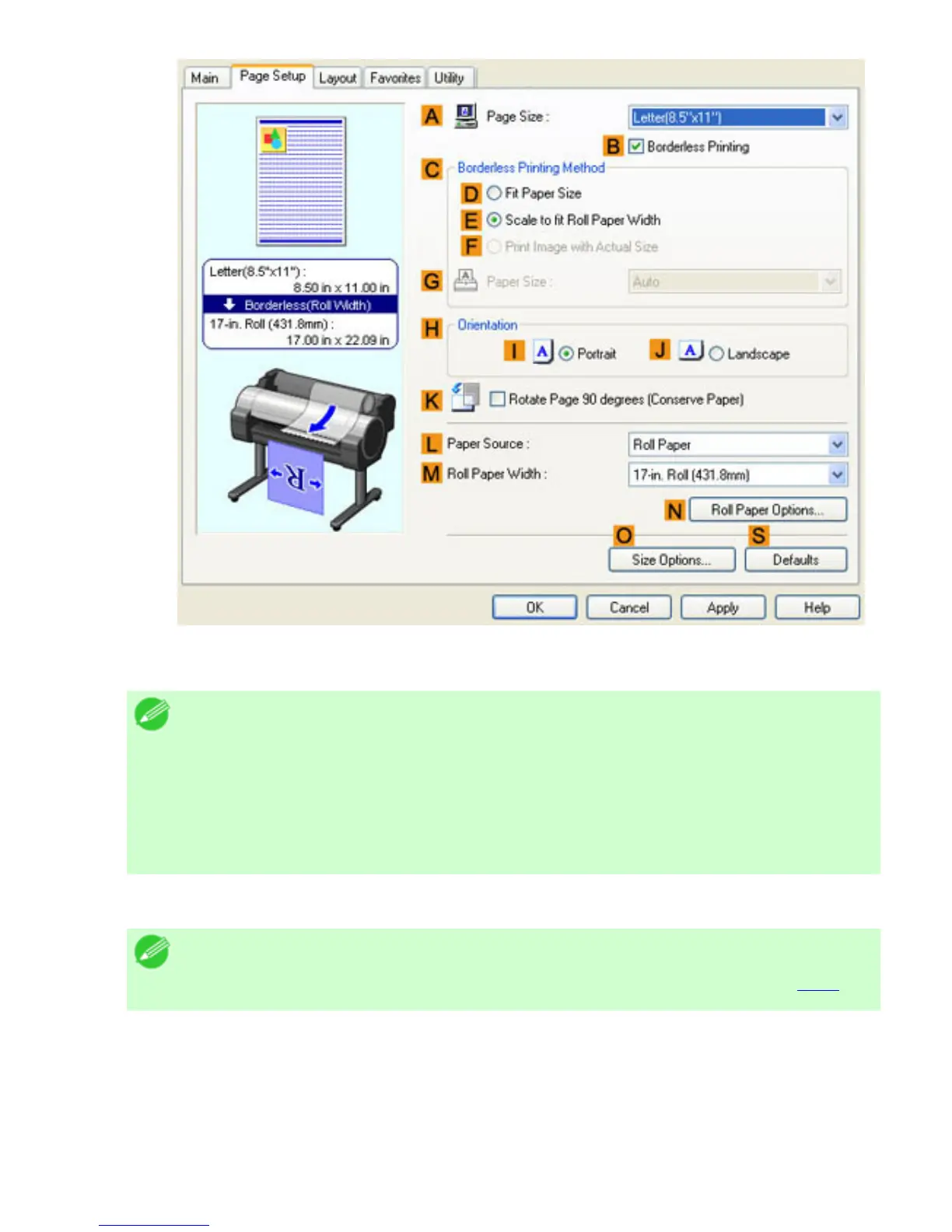
10. Click EFit Roll Paper Width.
Note
・ After you click
EFit Roll Paper Width, the Information dialog box is
displayed. Select the width of the loaded roll in the Roll Paper Width list
and click OK.
・ Make sure the roll paper width you specify matches the width of the loaded
roll.
11. Confirm the print settings and print as desired.
Note
・ For tips on confirming print settings, see "Confirming Print Settings (
4.1.3)"












 To Next Page