3. 3. 7. Enhanced Printing Options > Printing enlargements or reductions >
Resizing Originals by Entering a Scaling Value
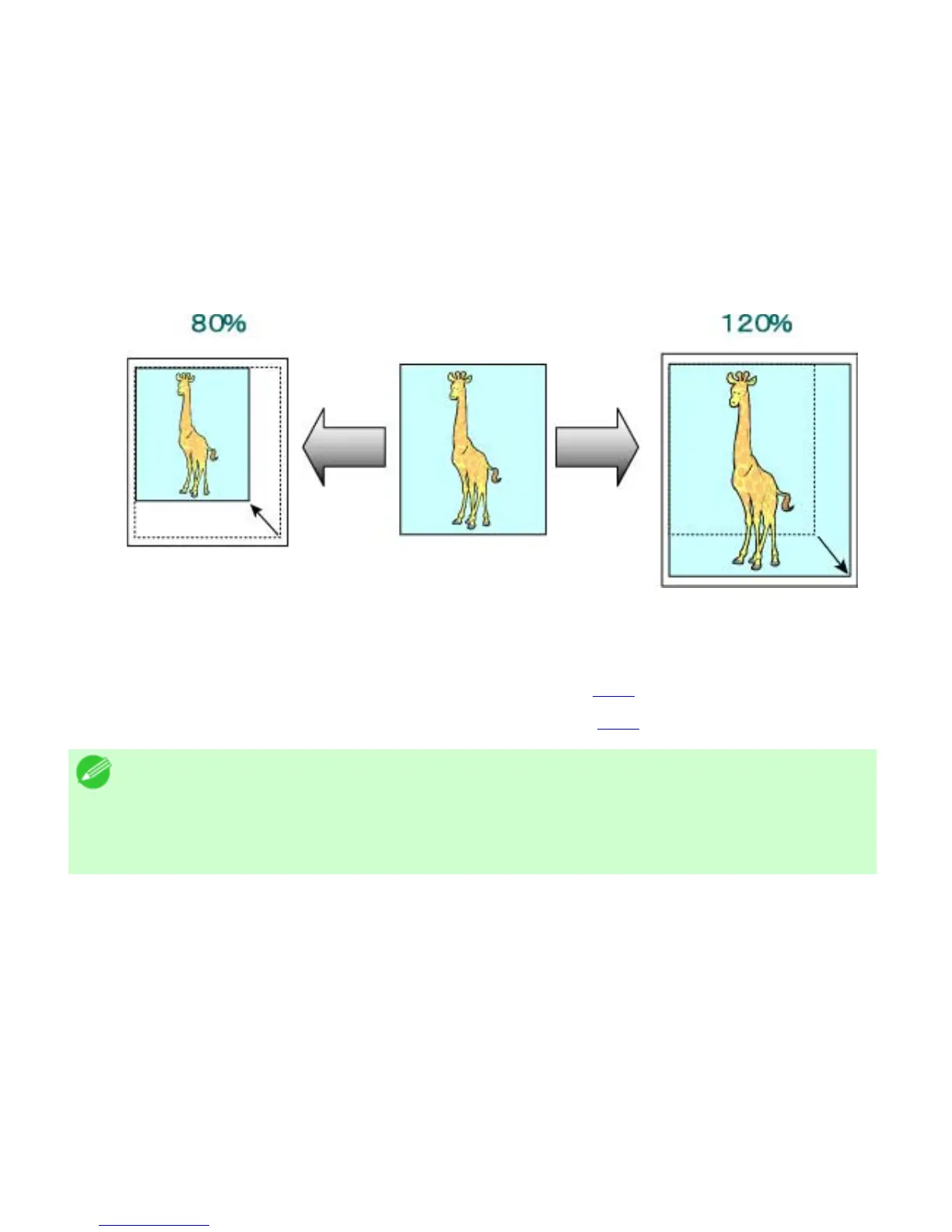
You can freely adjust the size of originals by enlarging or reducing them as desired.
Enlarged/Reduced Printing
Enlarge or reduce the original in the printer driver, as desired.
Scaling
Enlarge or reduce originals by a particular amount, as desired.
For instructions on entering a scaling value to resize originals, refer to the following topics, as appropriate
for your computer and operating system.
● Resizing Originals by Entering a Scaling Value (Windows) (3.3.8)
● Resizing Originals by Entering a Scaling Value (Mac OS X) (3.3.9)
Note
・ For better printing results when enlarging photos from a digital camera in TIFF or
JPEG format, use an image-editing application software such as Adobe Photoshop to
specify an image resolution of 150 dpi or more at actual size.












 To Next Page