7. 2. 4. Adjustments for Better Print Quality > Adjusting the feed amount >
Fine-Tuning the Paper Feed Amount (Adj. Fine Feed)
If the contrast is uneven or banding in different colors appears at 50 mm (2.0 in) intervals in
printed documents, try executing Adj. Fine Feed during printing to fine-tune the feed amount.
Note
・ Always execute Adj. Quality before Adj. Fine Feed.
Once you execute Adj. Quality, the Adj. Fine Feed value will revert to 0.
(See "Automatic Banding Adjustment (Adj. Quality) (
7.2.3).")
(See "Manual Banding Adjustment (Adj. Quality) (
7.2.4).")
Perform adjustment as follows.
1.
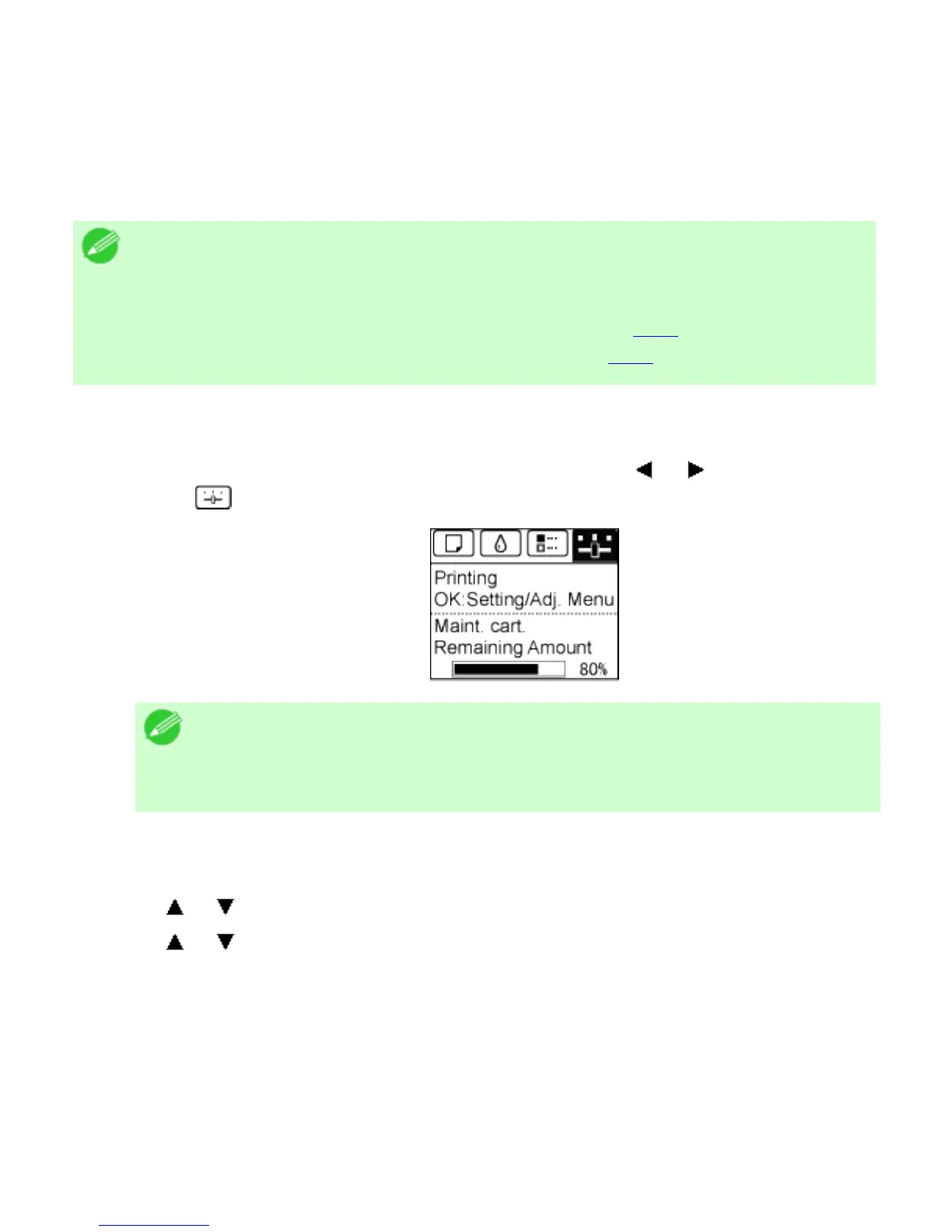
On the Tab Selection screen of the Control Panel, press or to select the Settings/
Adj. tab (
).
Note
・ If the Tab Selection screen is not displayed, press the Menu
button.
2. Press the OK button.
The Set./Adj. Menu is displayed.
3. Press or to select Adj. Fine Feed, and then press the OK button.
4. Press or to select a setting value in the range -5 to +5, and then press the OK button.
The setting is now applied.












 To Next Page