4. 1. 1. Windows Software > Printer Driver >
Printer Driver Settings
For instructions on accessing the Windows printer driver, refer to the following topics.
● Accessing the Printer Driver Dialog Box from Applications (4.1.6)
● Accessing the Printer Driver Dialog Box from the Operating System Menu (4.1.7)
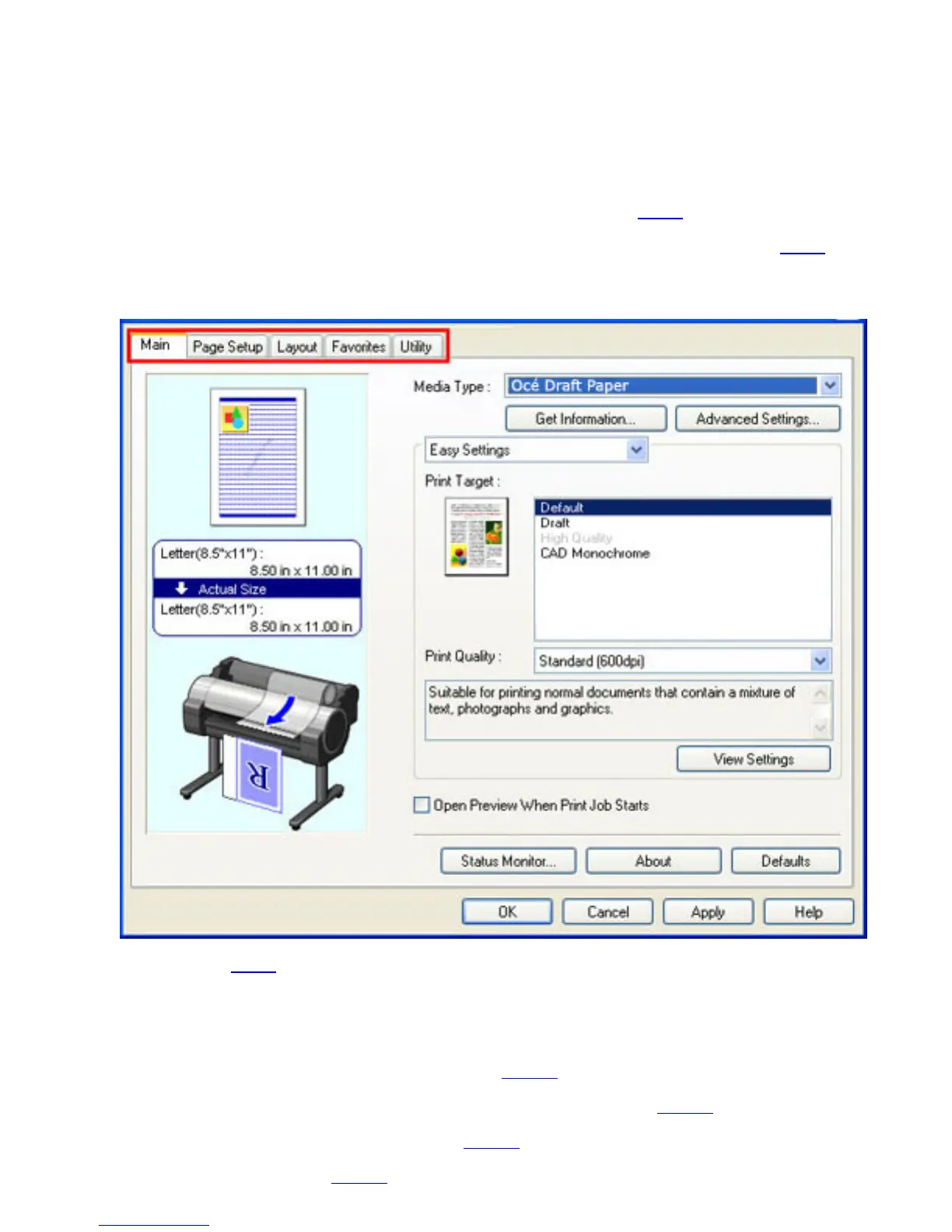
For information on the Windows printer driver settings, refer to the following topics.
● Main Sheet (4.1.8)
You can specify the type of paper, color processing, print quality, print preview, and other
settings. Choose Easy Settings to specify basic print settings based on the printing
application or Advanced Settings to complete more detailed settings as desired.
● Paper Detailed Settings Dialog Box (4.1.10)
● View Settings Dialog Box for the Printing Application (4.1.11)
● Color Adjustment Sheet: Color (4.1.12)
● Matching Sheet (4.1.14)












 To Next Page