● Color Adjustment Sheet: Monochrome (4.1.15)
● Page Setup Sheet (4.1.17)
You can specify the page size of the original, borderless printing, enlargement or
reduction, the orientation, the paper size and feed source, and automatic cutting.
● Paper Size Options Dialog Box (4.1.18)
● Layout Sheet (4.1.19)
You can specify the page layout, watermarks, the orientation, the number of copies, and
print processing options.
● Special Settings Dialog Box (4.1.21)
● Favorites Sheet (4.1.22)
Groups of print settings you select on each sheet can be saved as a favorite. Favorites you
have added can be edited or used at the time of printing as desired.
● Utility Sheet (4.1.23)
You can specify settings related to maintenance for the Printhead and feed amount.
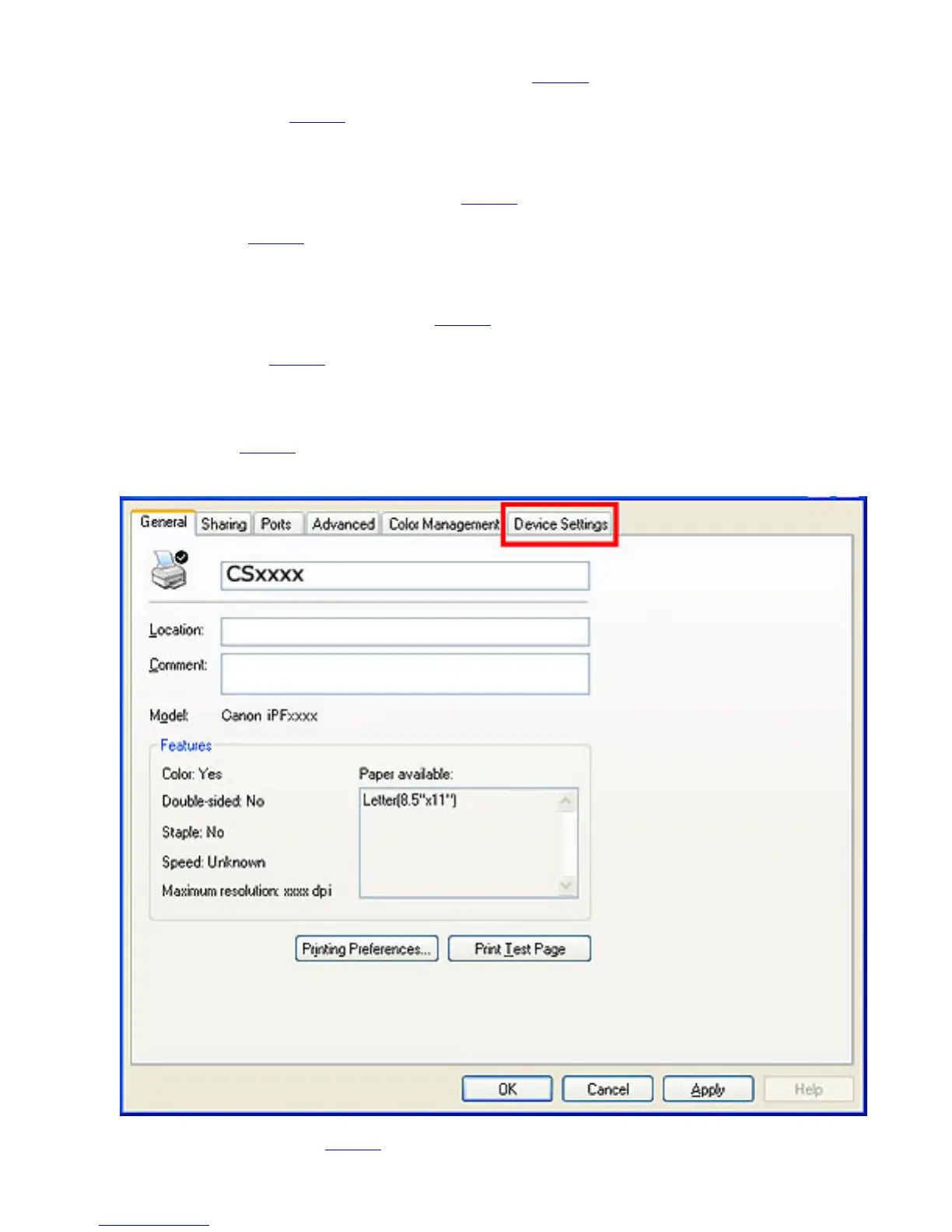
● Device Settings Sheet (4.1.26)
You can display settings for optional equipment installed on the printer and see the version












 To Next Page