12. 1. 17. Error Message > Error Messages >
Ink insufficient.
Cause Corrective Action
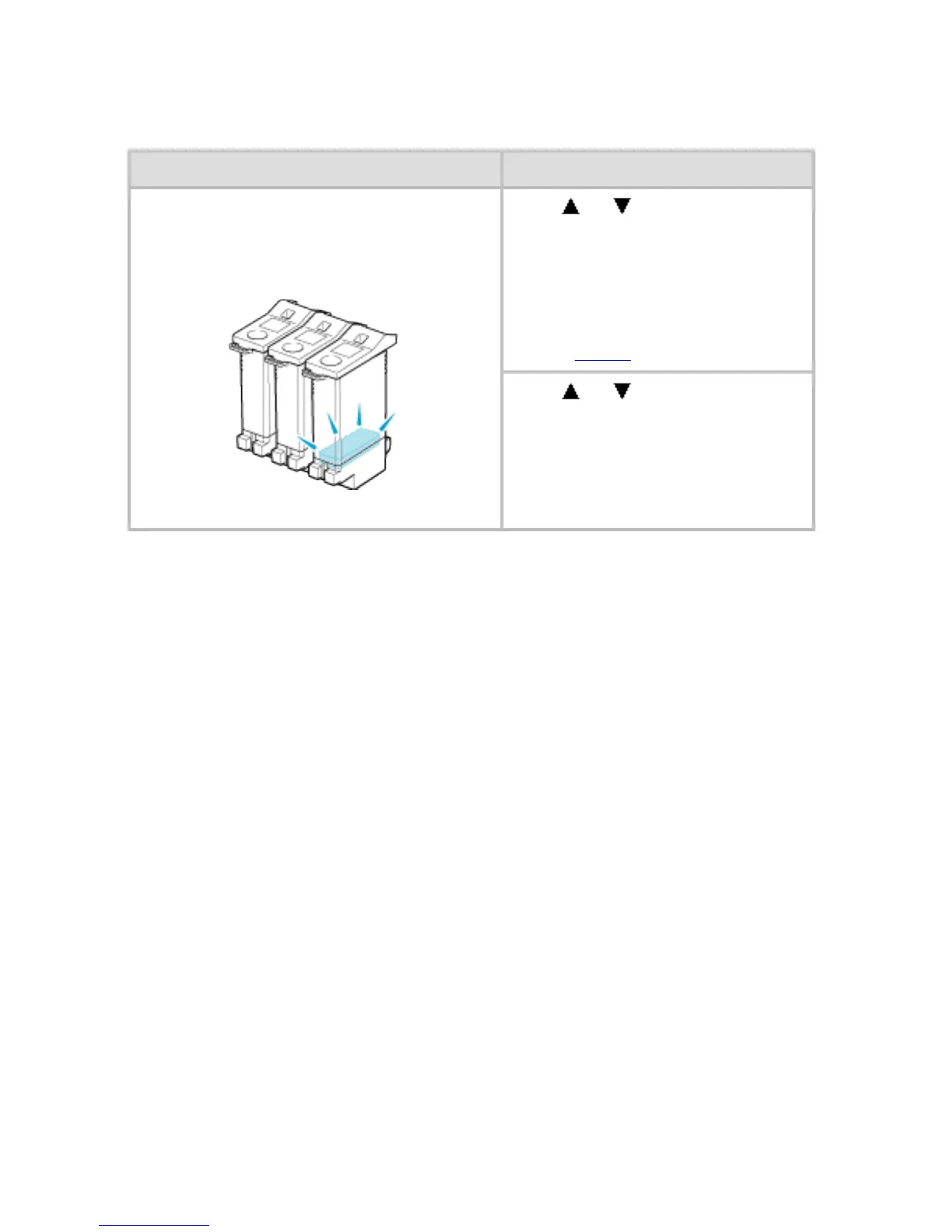
The ink level is low, so you cannot
print, clean the Printhead, or do other
operations that require ink.
Press or to select Rep.
Ink Tank, and then press the
OK button. Replace the Ink
Tank that is low with a new Ink
Tank.
(See "Replacing Ink
Tanks (
10.1.2).")
Press
or to select
Continue to print, and then
press the OK button to resume
printing. However, note that this
error may affect the printing
quality.












 To Next Page